Creating a dashboard
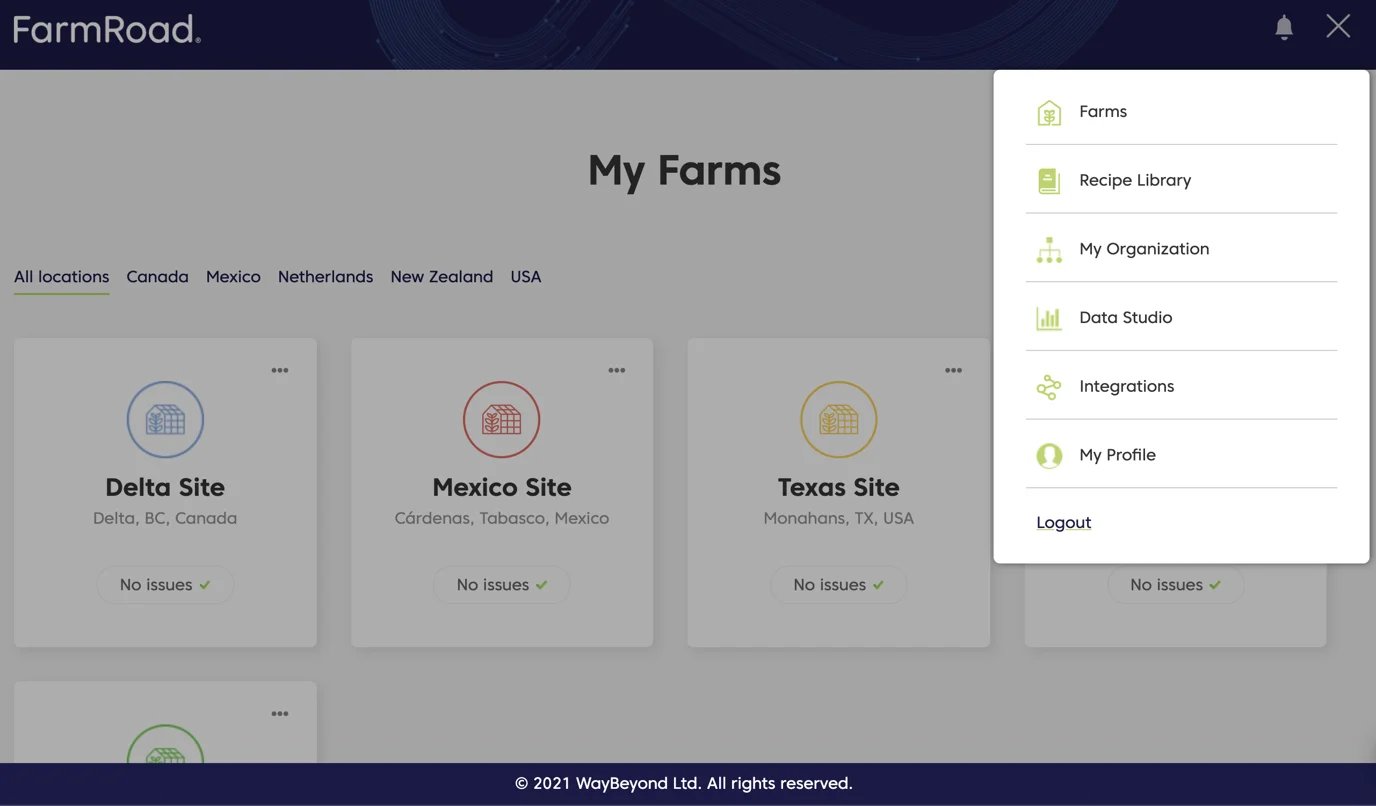
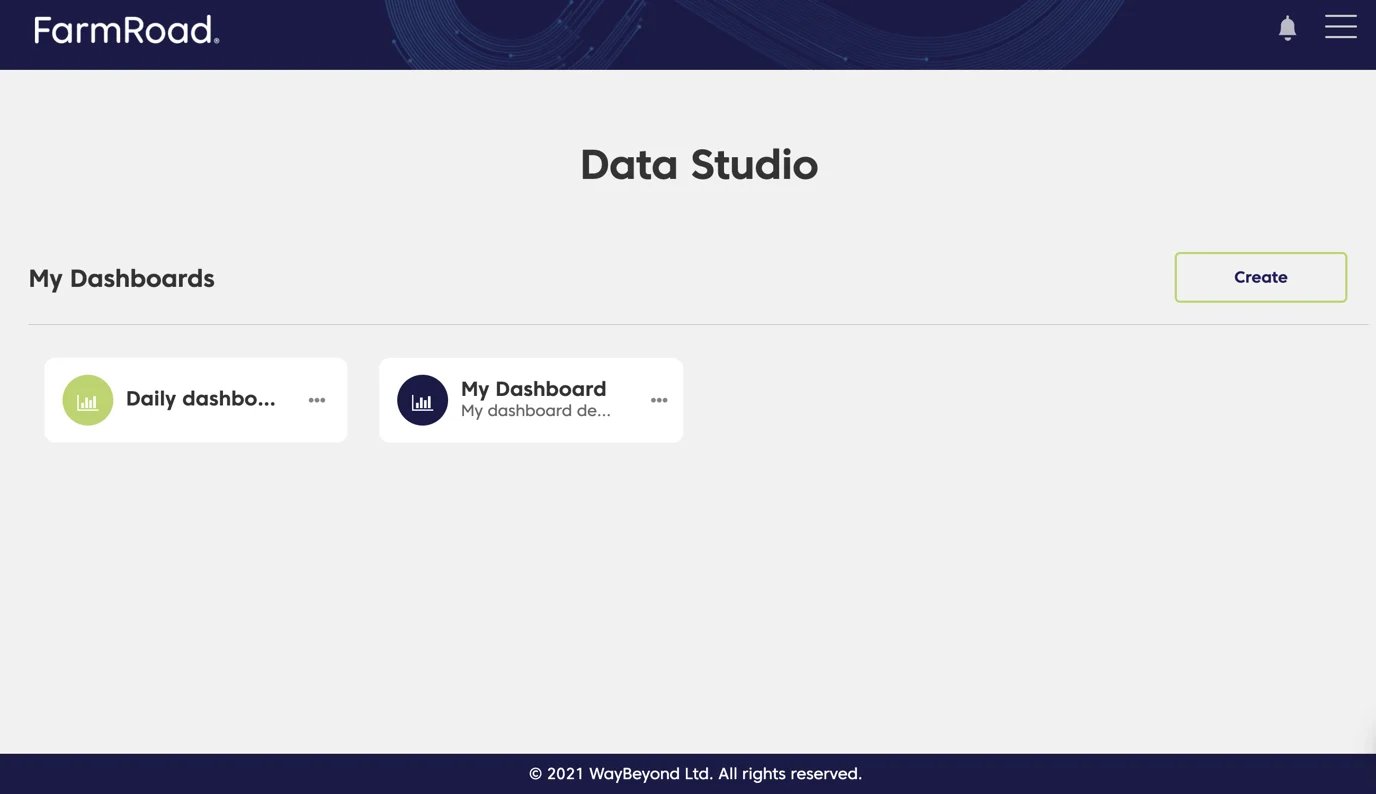
- Click on the Data Studio icon on the left menu
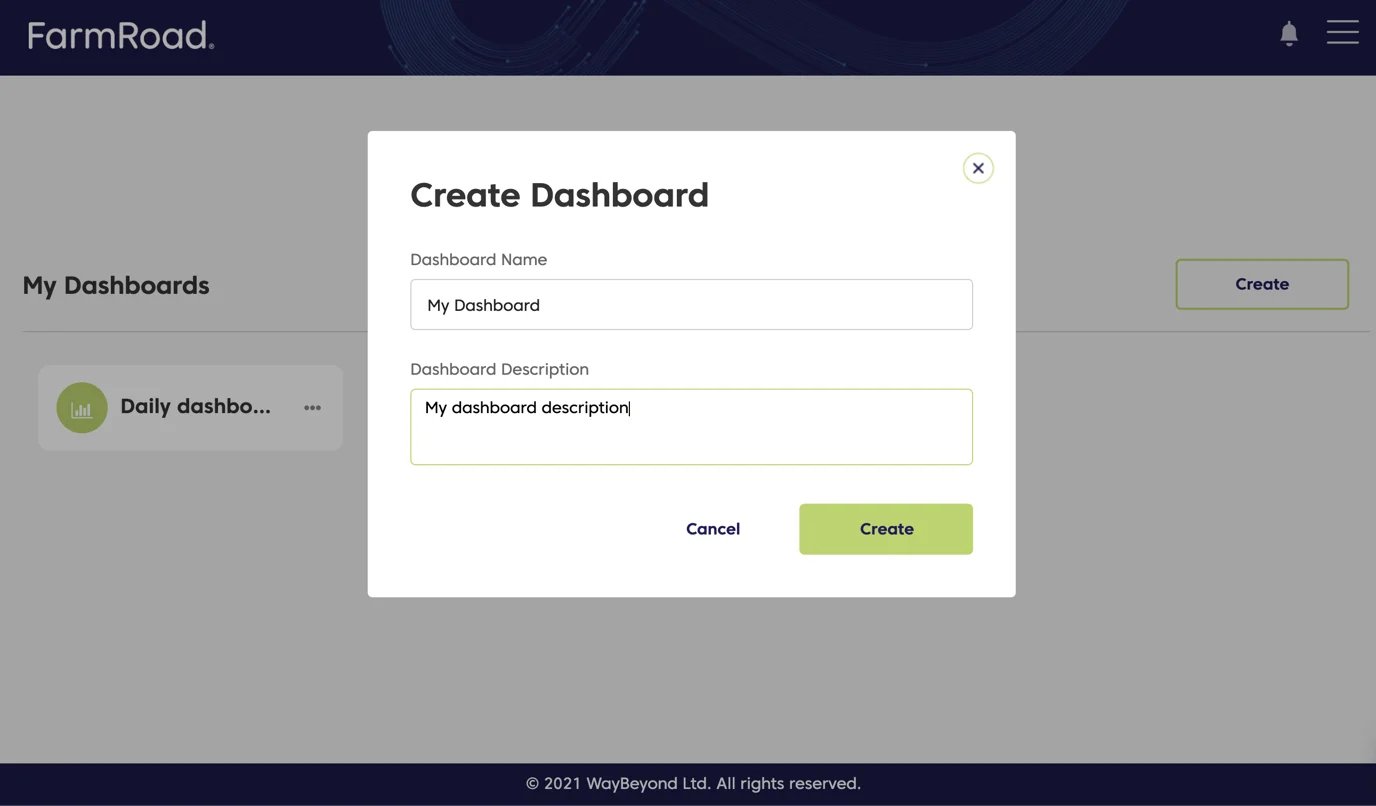
- Click Create
- Enter a name and description for your dashboard
- Click Save
Editing a dashboard
- Click on the Data Studio icon on the left menu
- Find the dashboard you want to edit
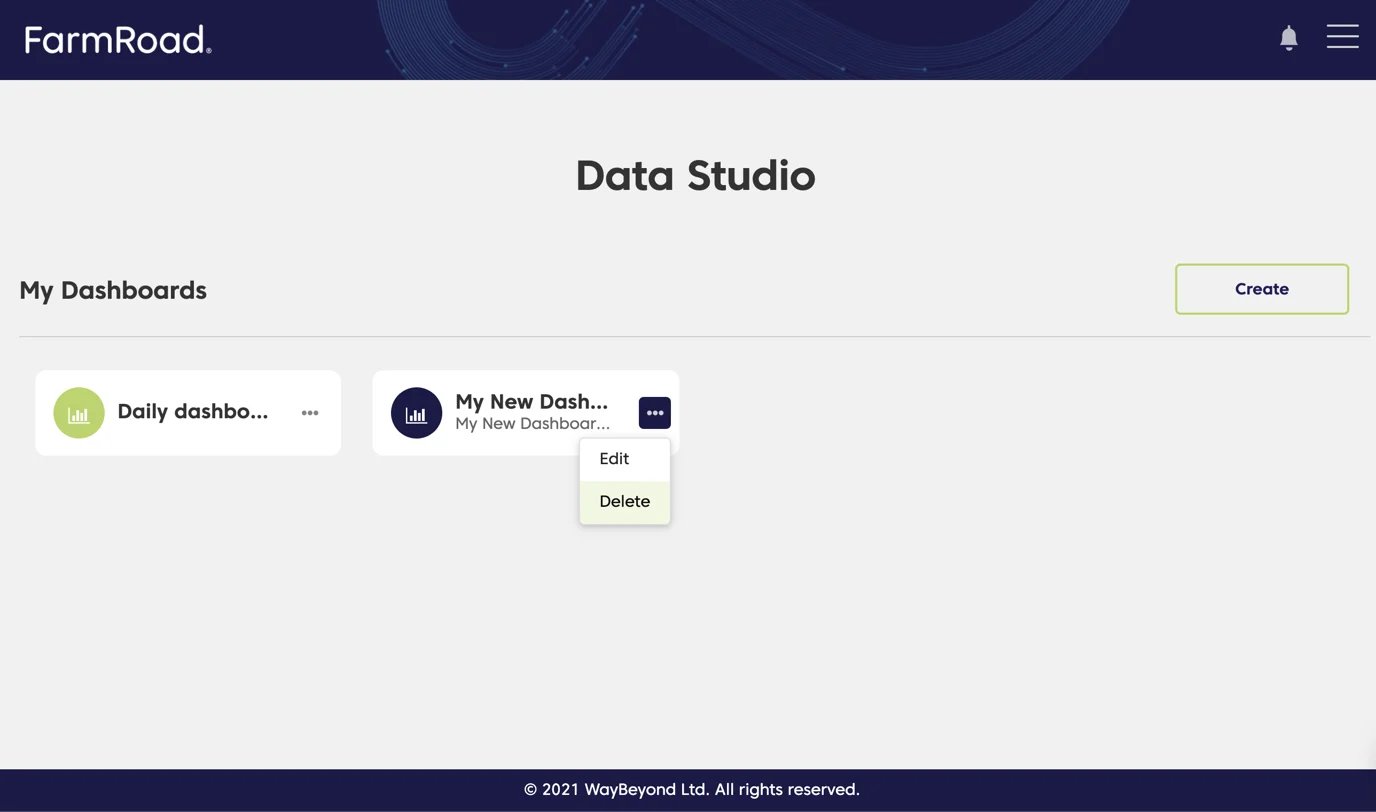
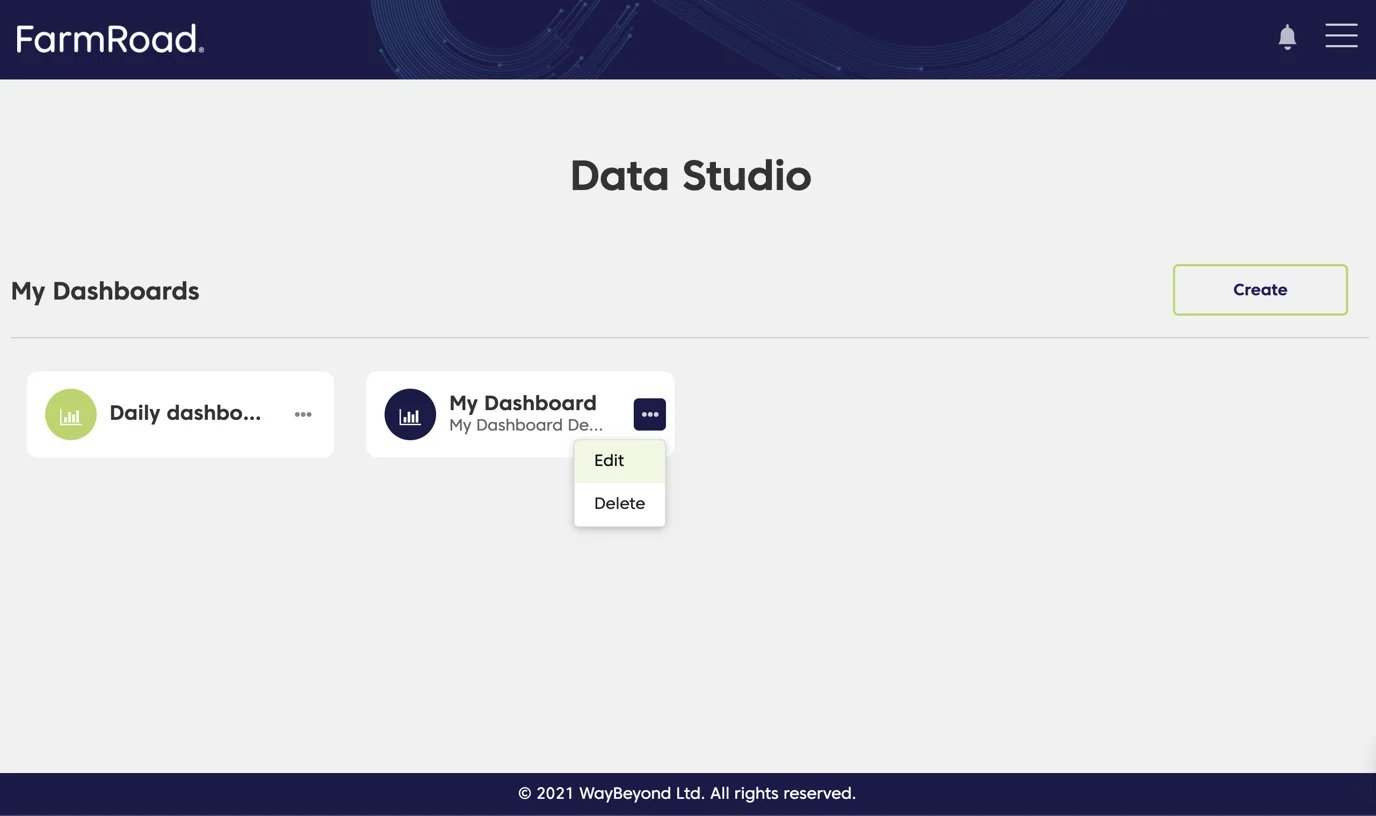
- Click the overflow menu
- Select Edit
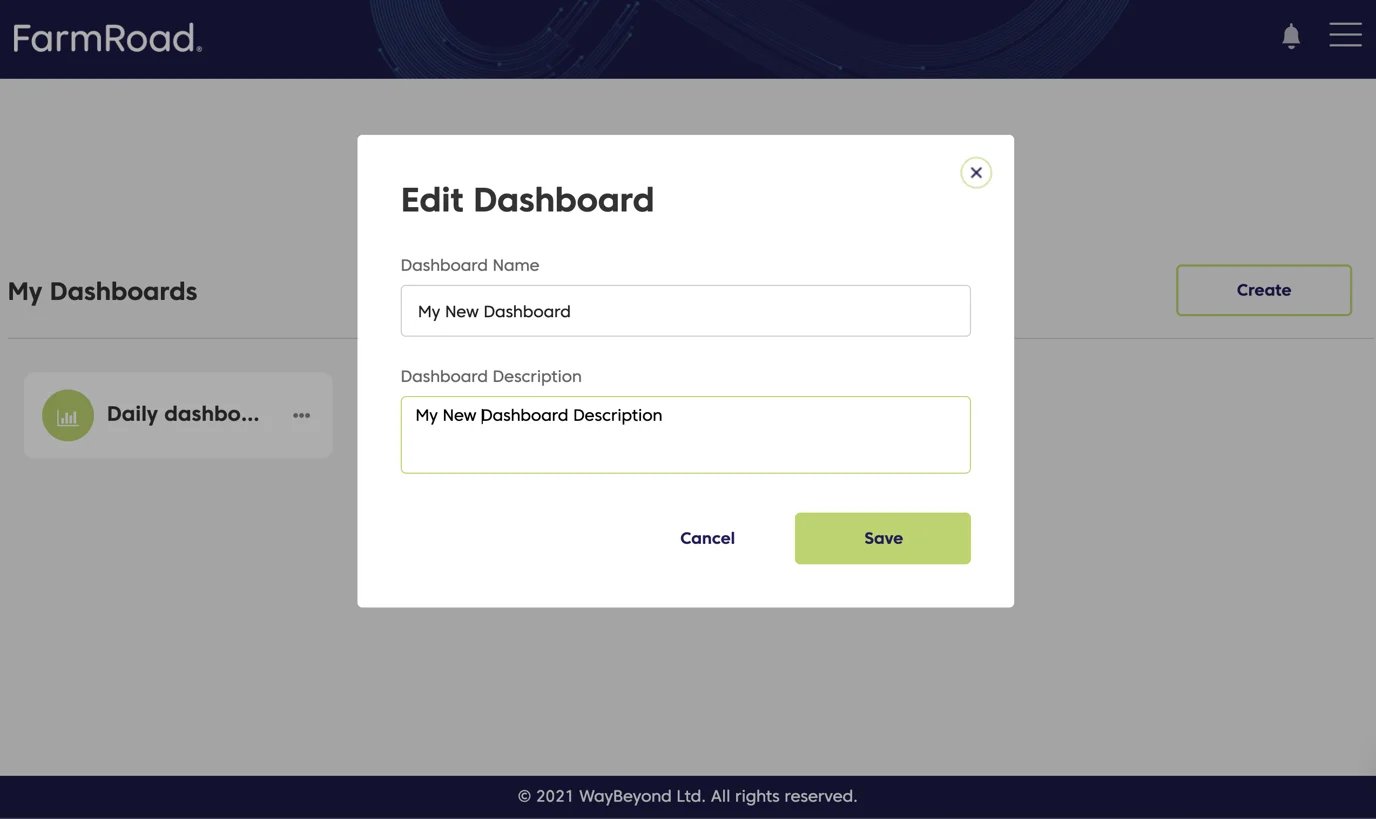
- Update the name and/or description
- Click Save
Deleting a dashboard
- Click on the Data Studio icon on the left menu
- Find the dashboard you want to delete
- Click the overflow menu
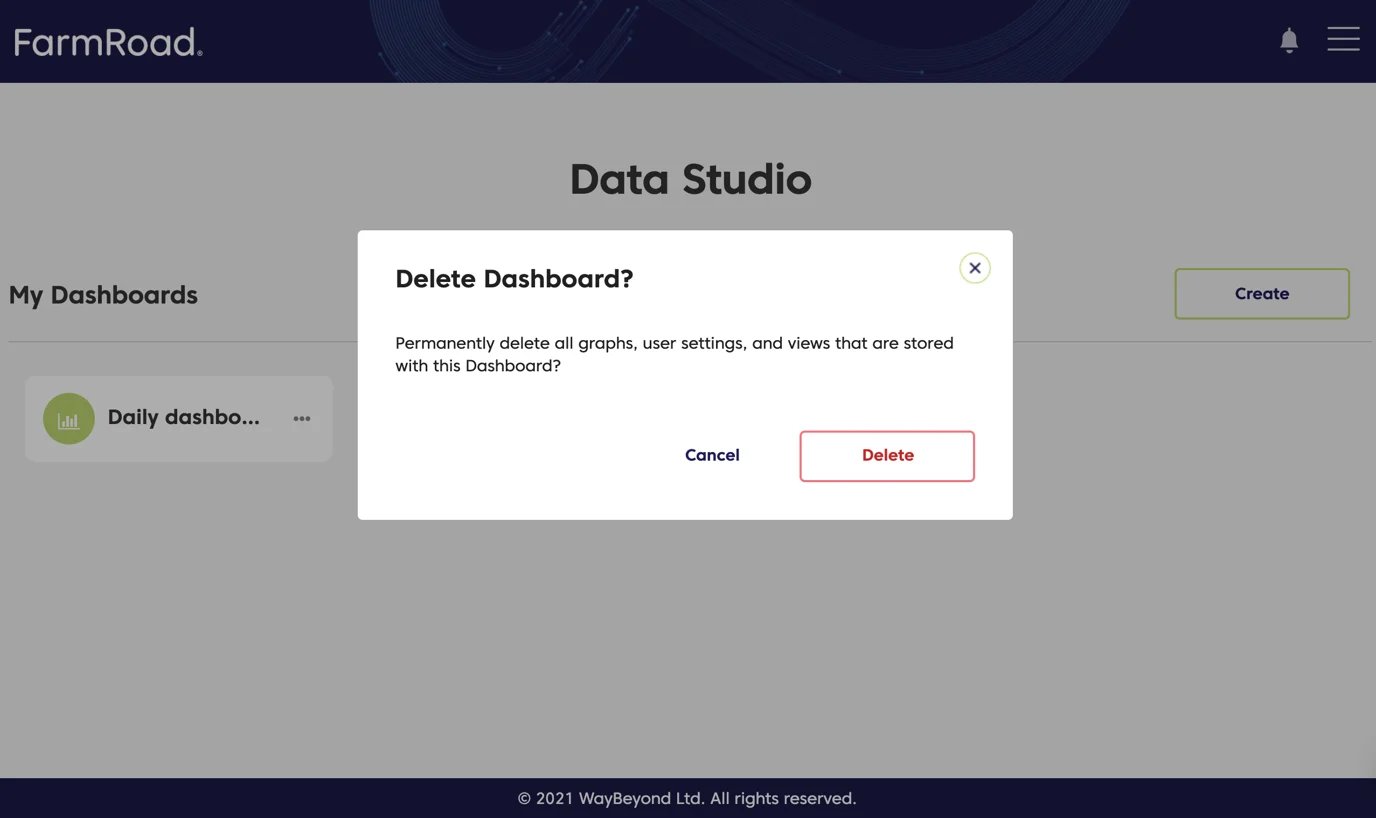
- Select Delete
- Click Delete again to confirm