- Navigate to the farm sector and cycle that you are recording crop registration data for.
- Click the Crop Registration button in the Activity Feed view.
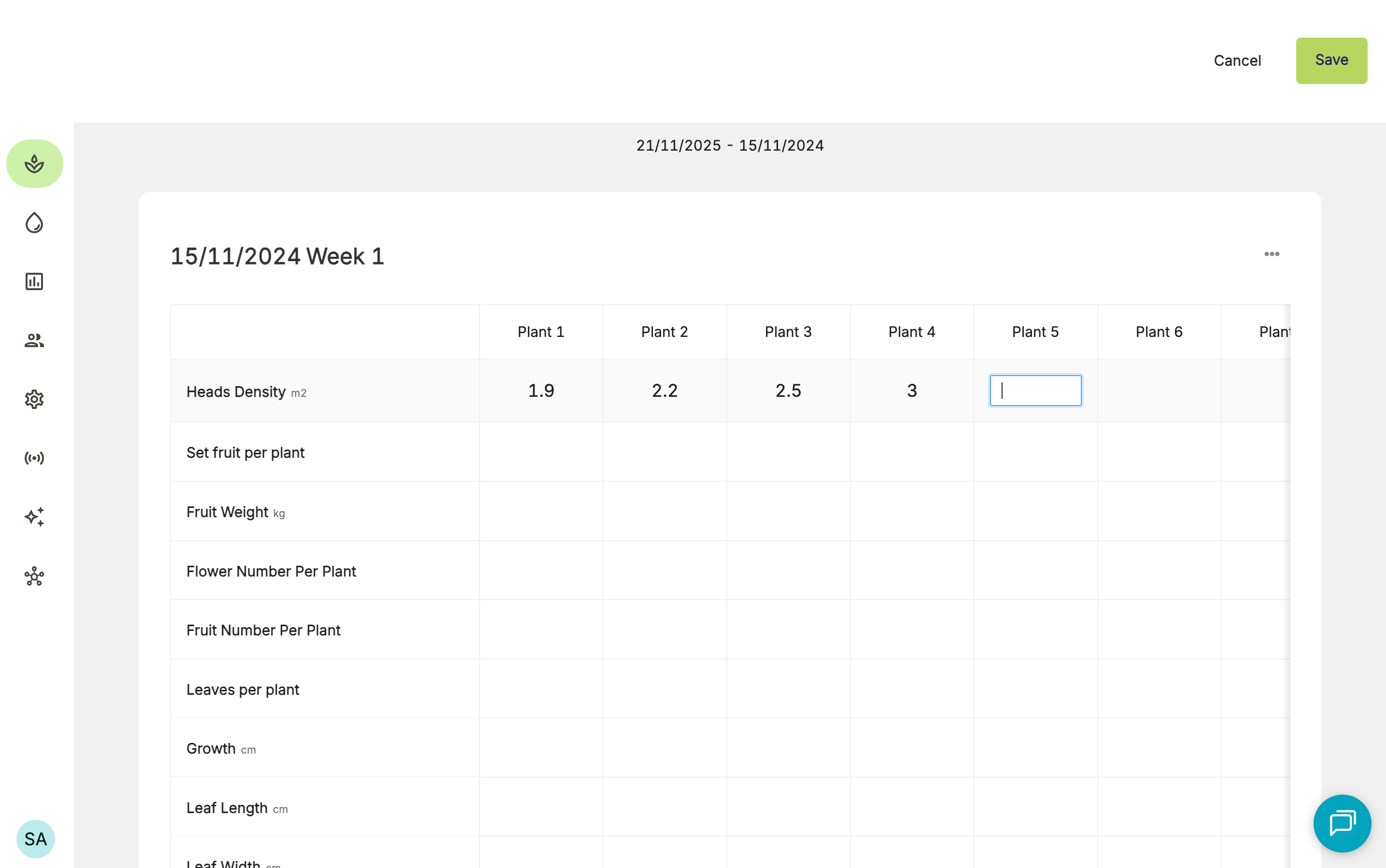
- You will be taken to the Crop Registration Averages page. From there, you can click specific records to view the recorded data.
- To edit a value, click into the cell and update it.
- Click Save.