Recording a yield
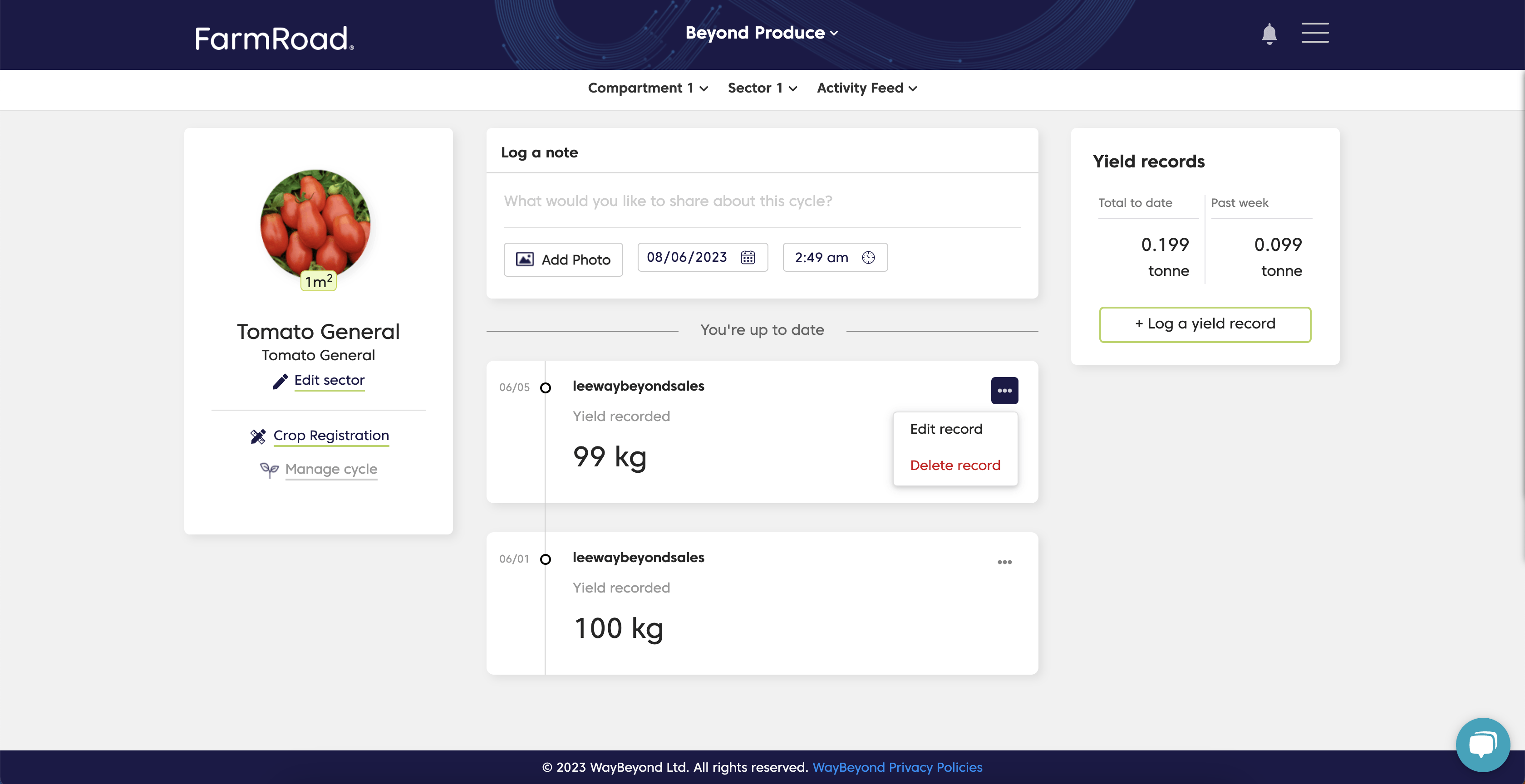
You can record yield for a particular crop cycle in the Activity Feed using the Yield widget.- Go to the Activity Feed for the relevant sector.
- Click Log a yield record.
- Enter the yield value, date, and time of harvest.
- Click Save.
Yield can be recorded as an absolute value in kg or lb, or by boxes.
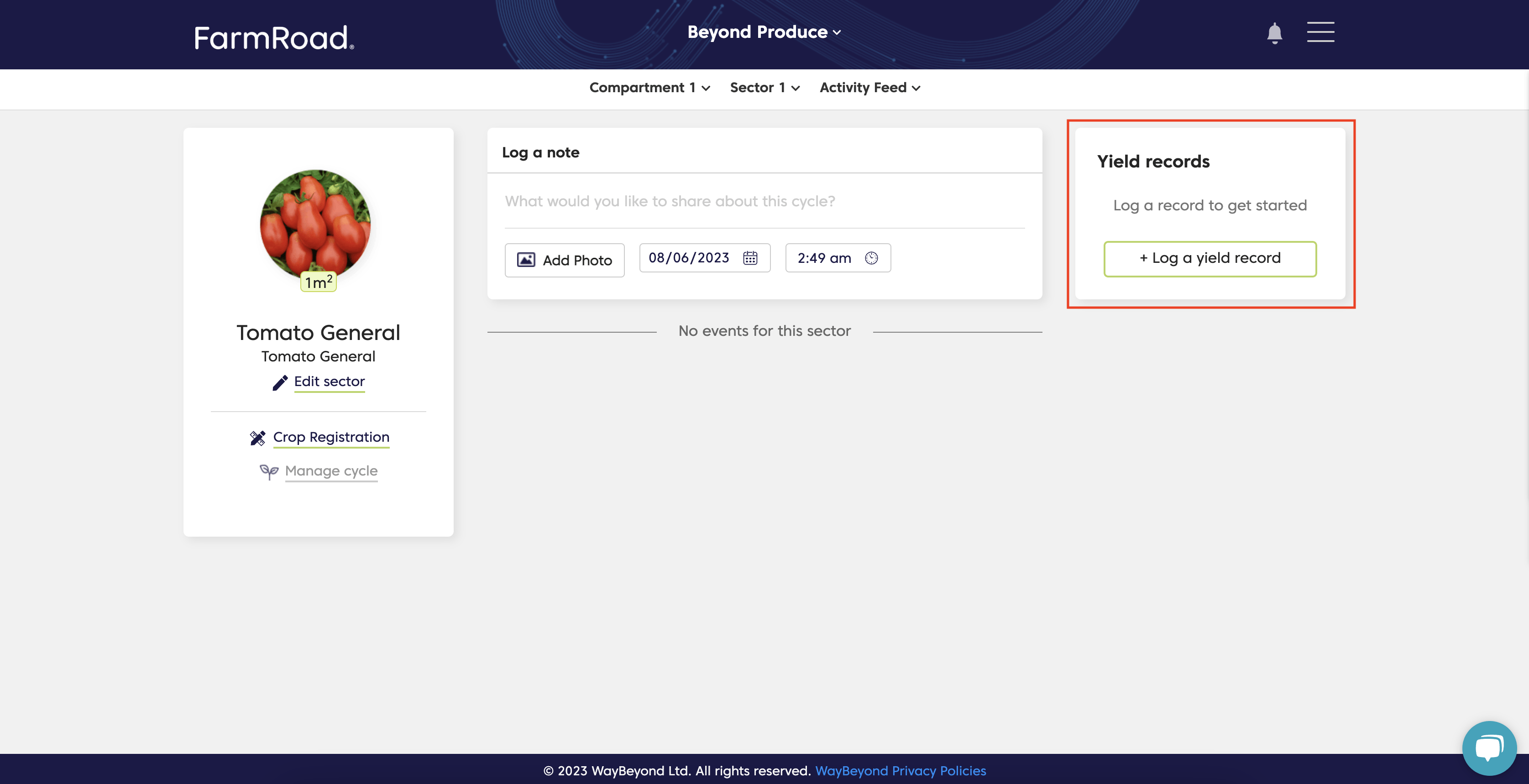
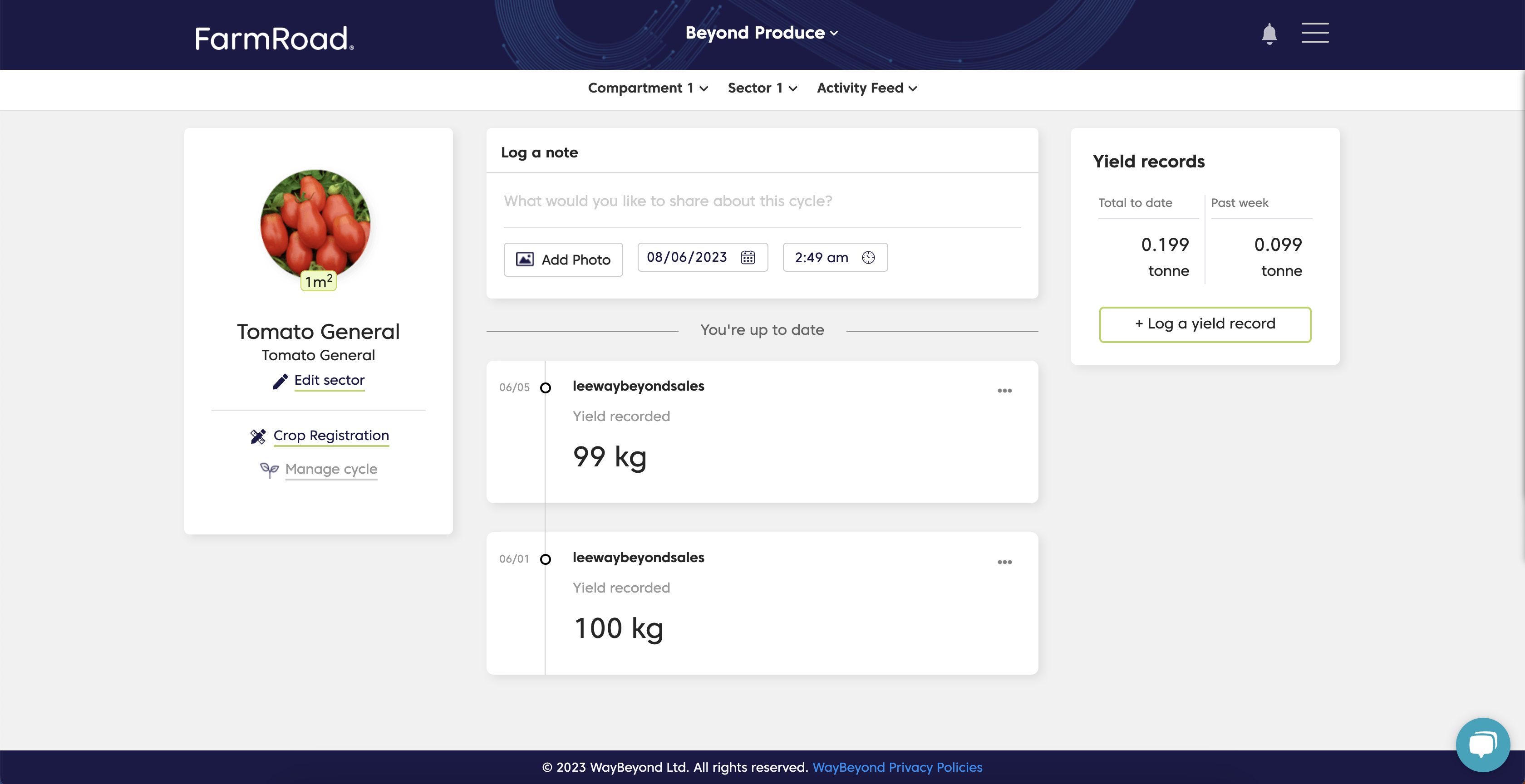
You can easily see your weekly and total accumulated yield in the Yield Widget
How do I change a yield record?
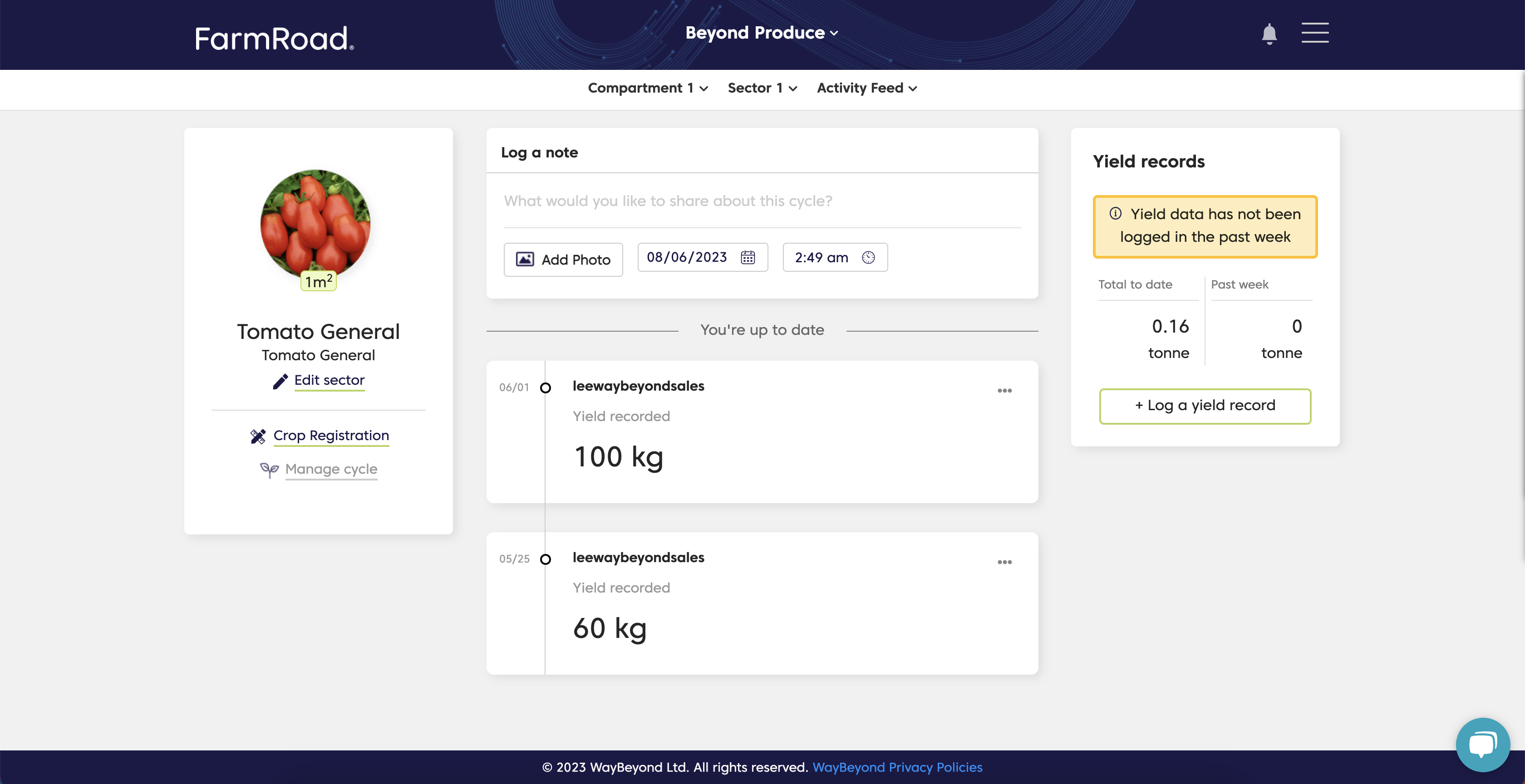
When you save a yield record, an event appears in the Activity Feed.- Go to the Activity Feed for the relevant sector.
- Click … on the yield record.
- Select Edit record or Delete record.
- Confirm the action using the relevant button.