How do I add a note?
Go to the timeline for the relevant sector.- Enter your note text in the note field at the top of the timeline.
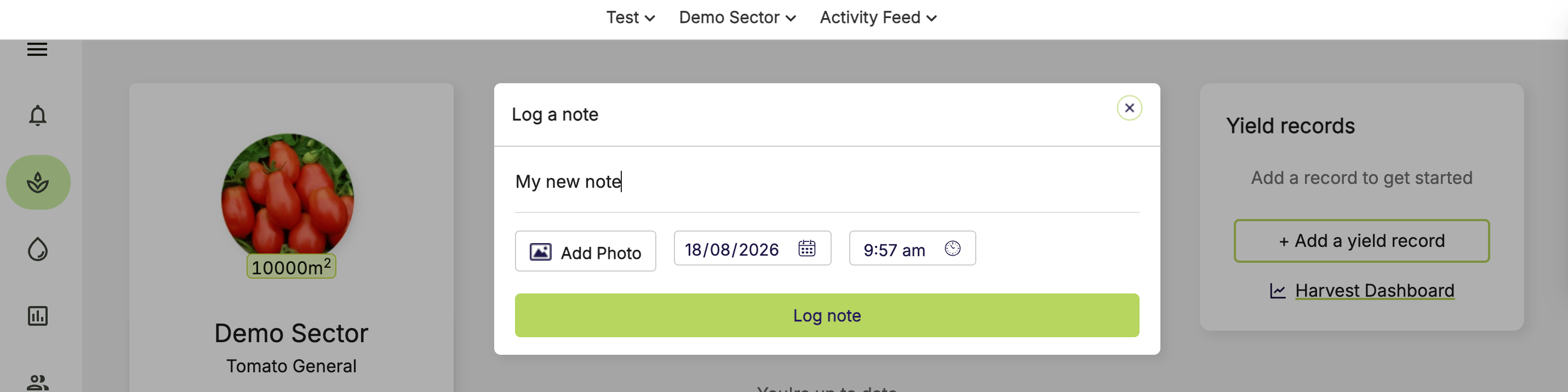
- Select the date and time for your note.
- To add photos, click Add photo and select your photos.
You can upload up to 5 photos per note. Each photo has a 10 MB size limit.
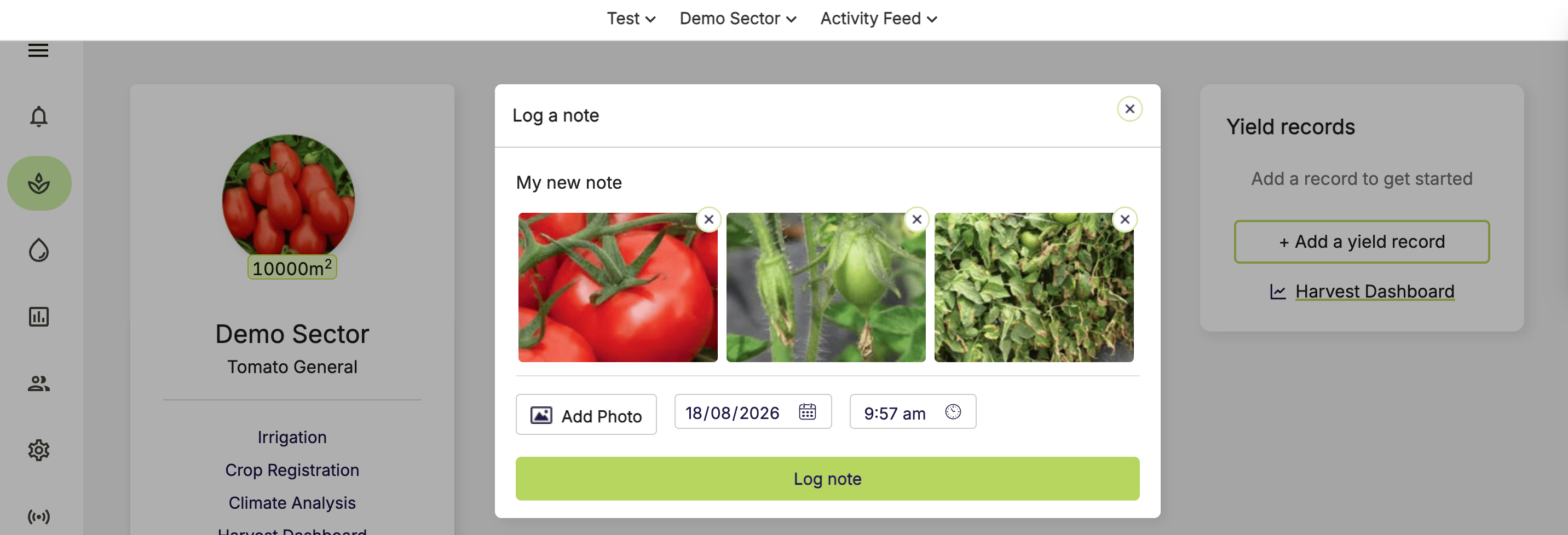
- Click Log note.
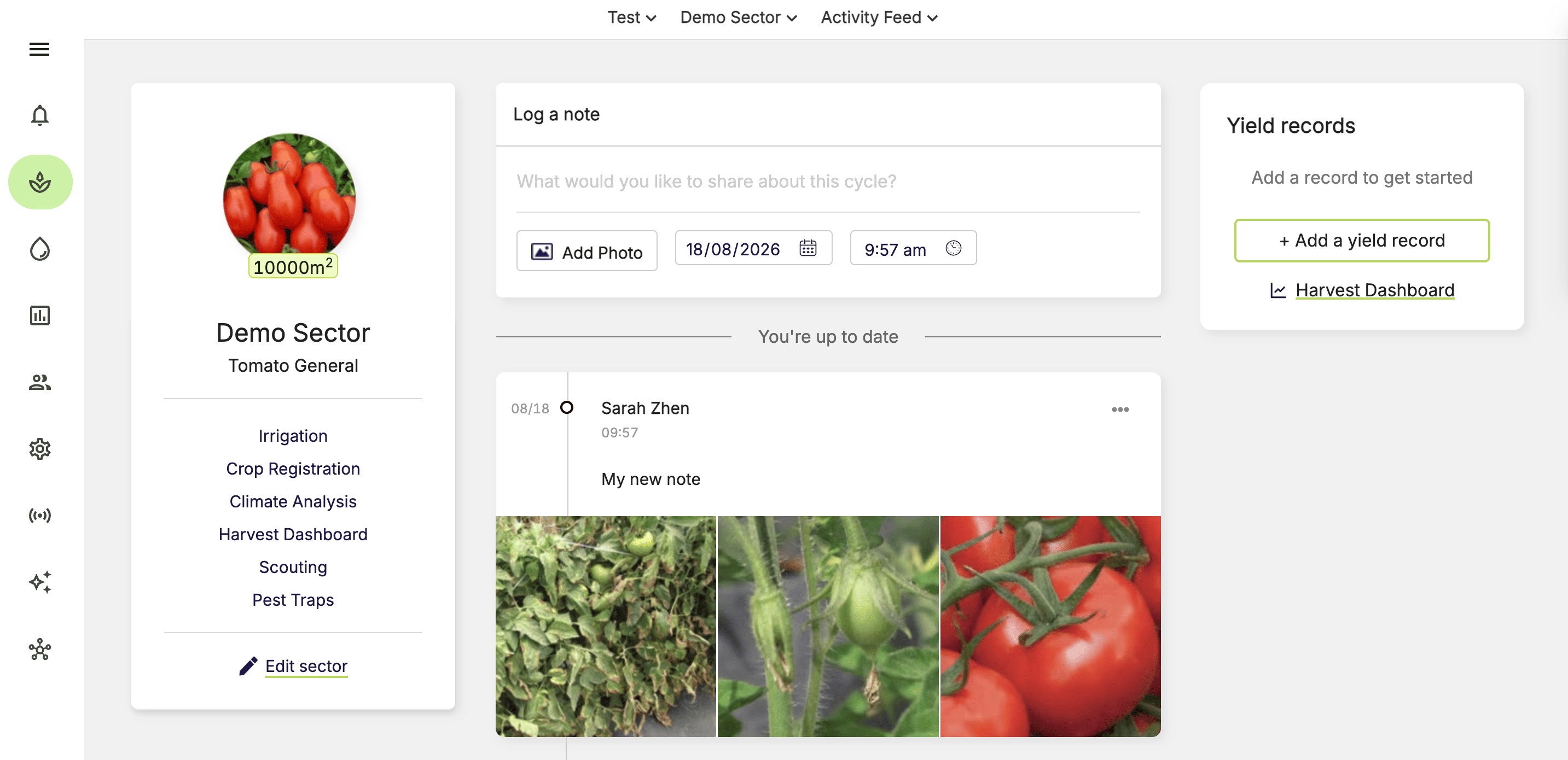
How do I edit my note?
- Go to the timeline for the relevant sector.
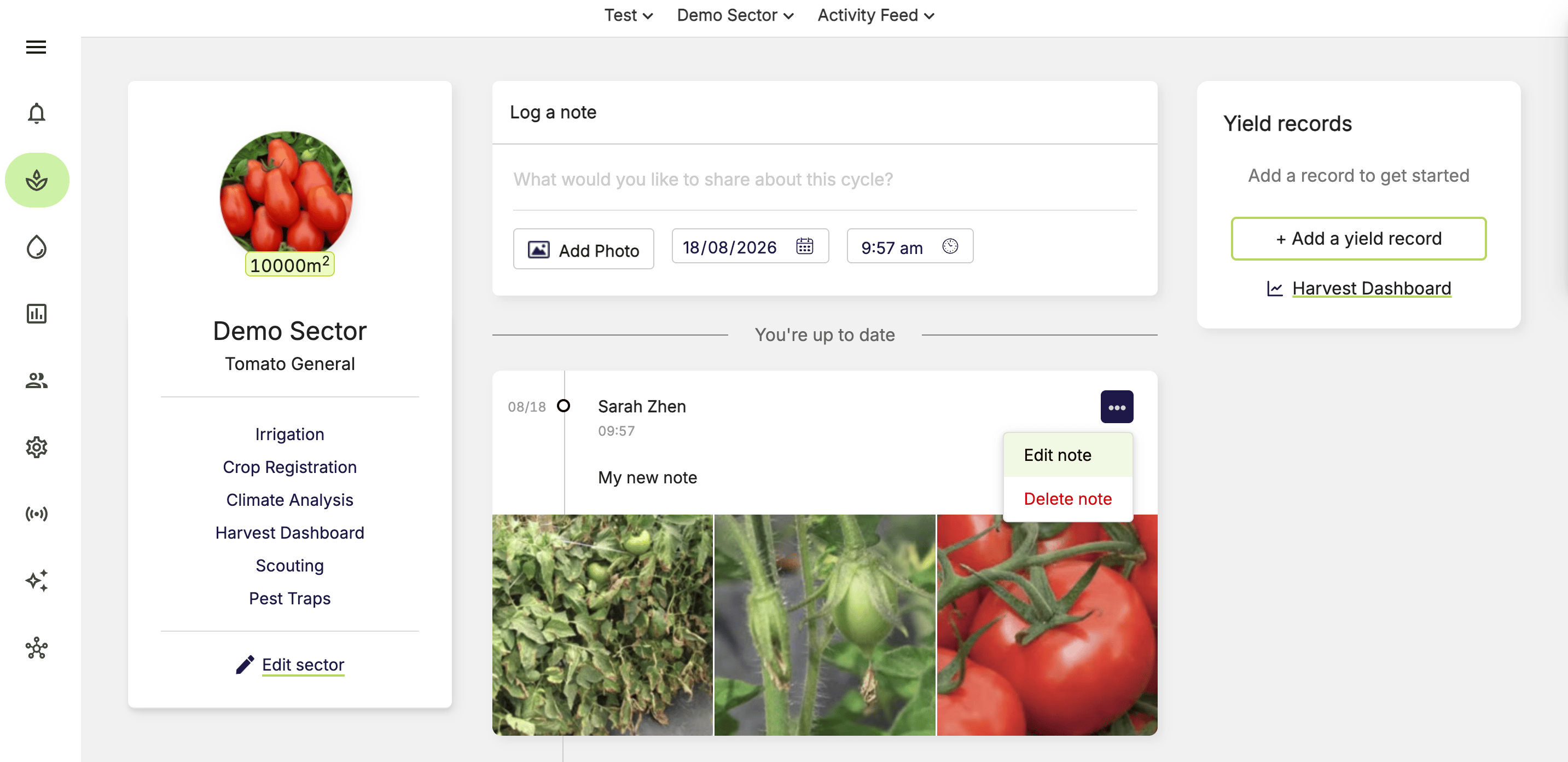
- Click … on the note.
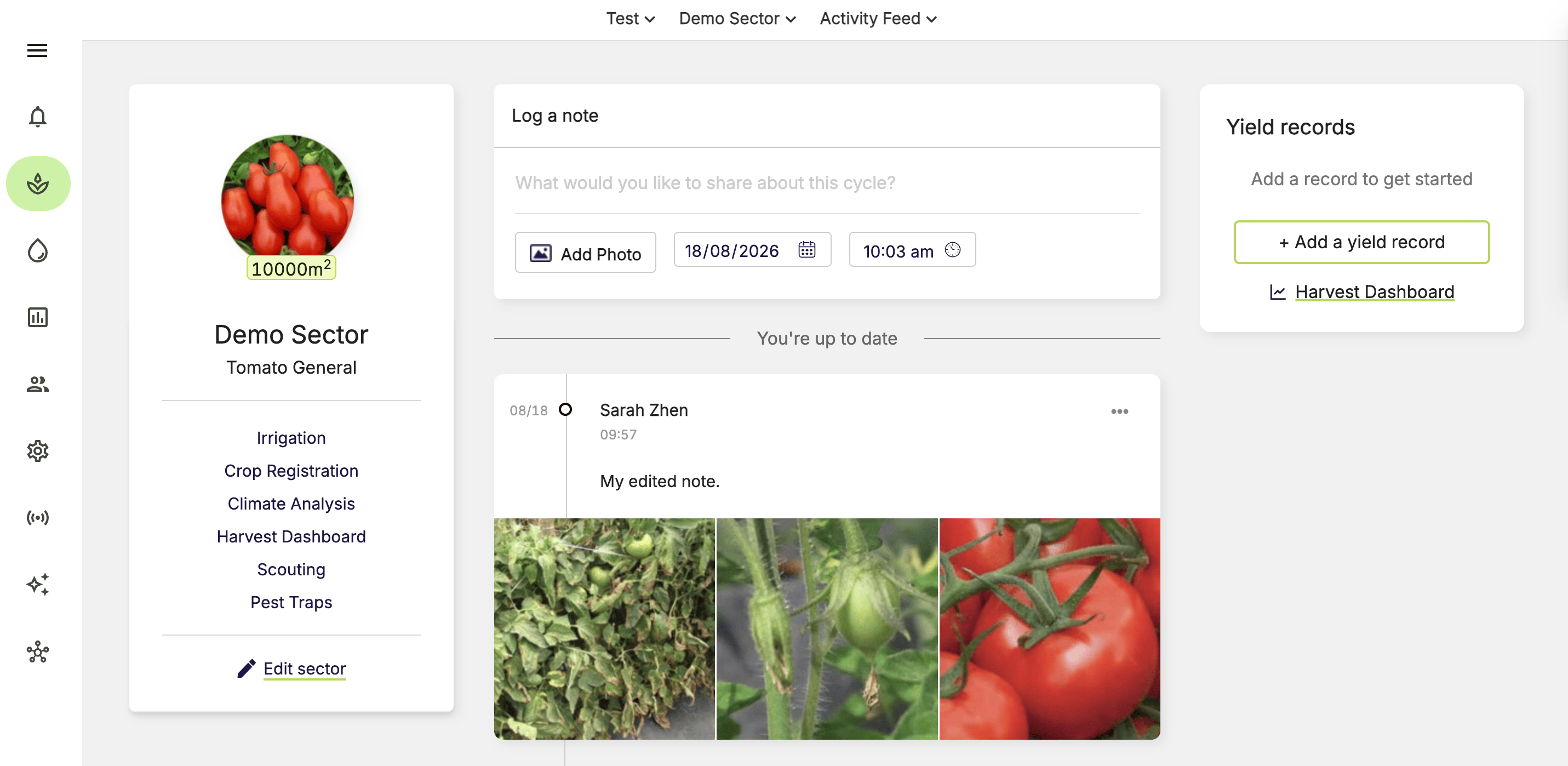
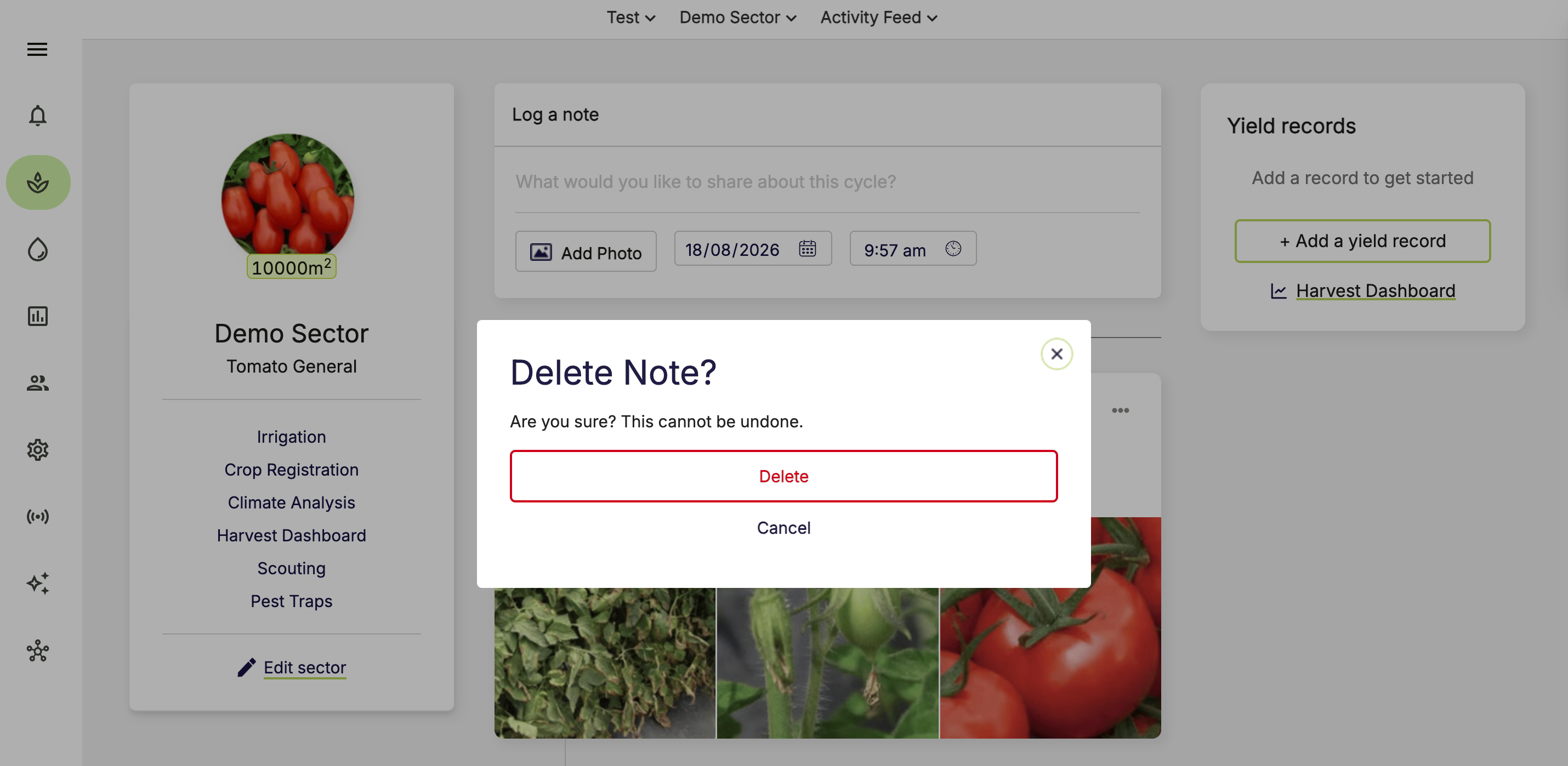
- Select Edit note or Delete note.
- Confirm the action using the relevant button.
Some roles can edit or delete notes logged by other users.