How do I know when the app is offline?
An icon indicating there is no internet connection will appear in the top-right corner of the app header when your device is offline.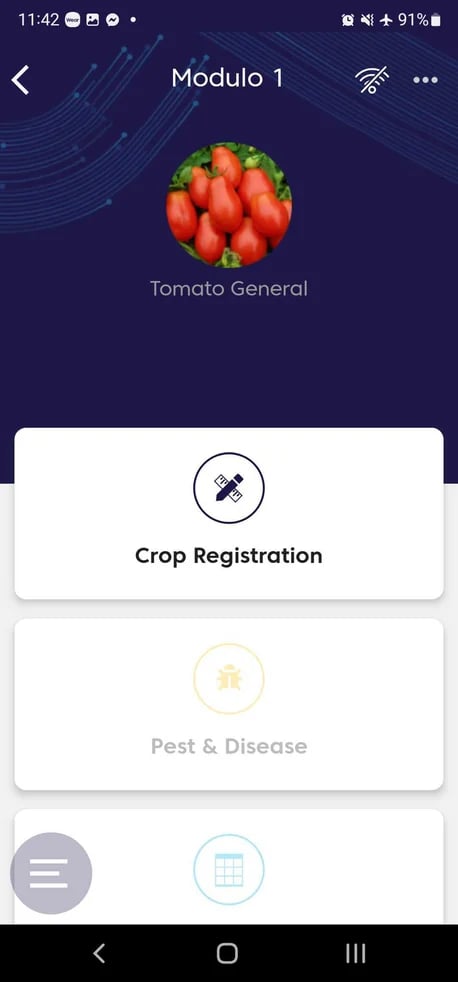
The Scouting functionality is not available without an internet connection.
When do the records I create offline get saved to FarmRoad?
Any records you create, edit, and save while offline are stored locally on your device. Once your device is back online, the records will upload to FarmRoad.How do I know when my records have been saved successfully?
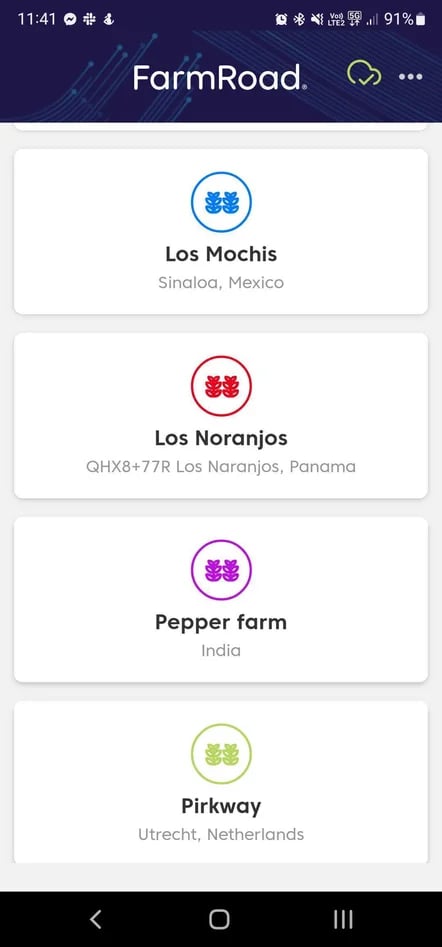
When your device is back online, records will sync automatically. A green cloud icon will appear in the top-right corner of the app header when the sync is successful.