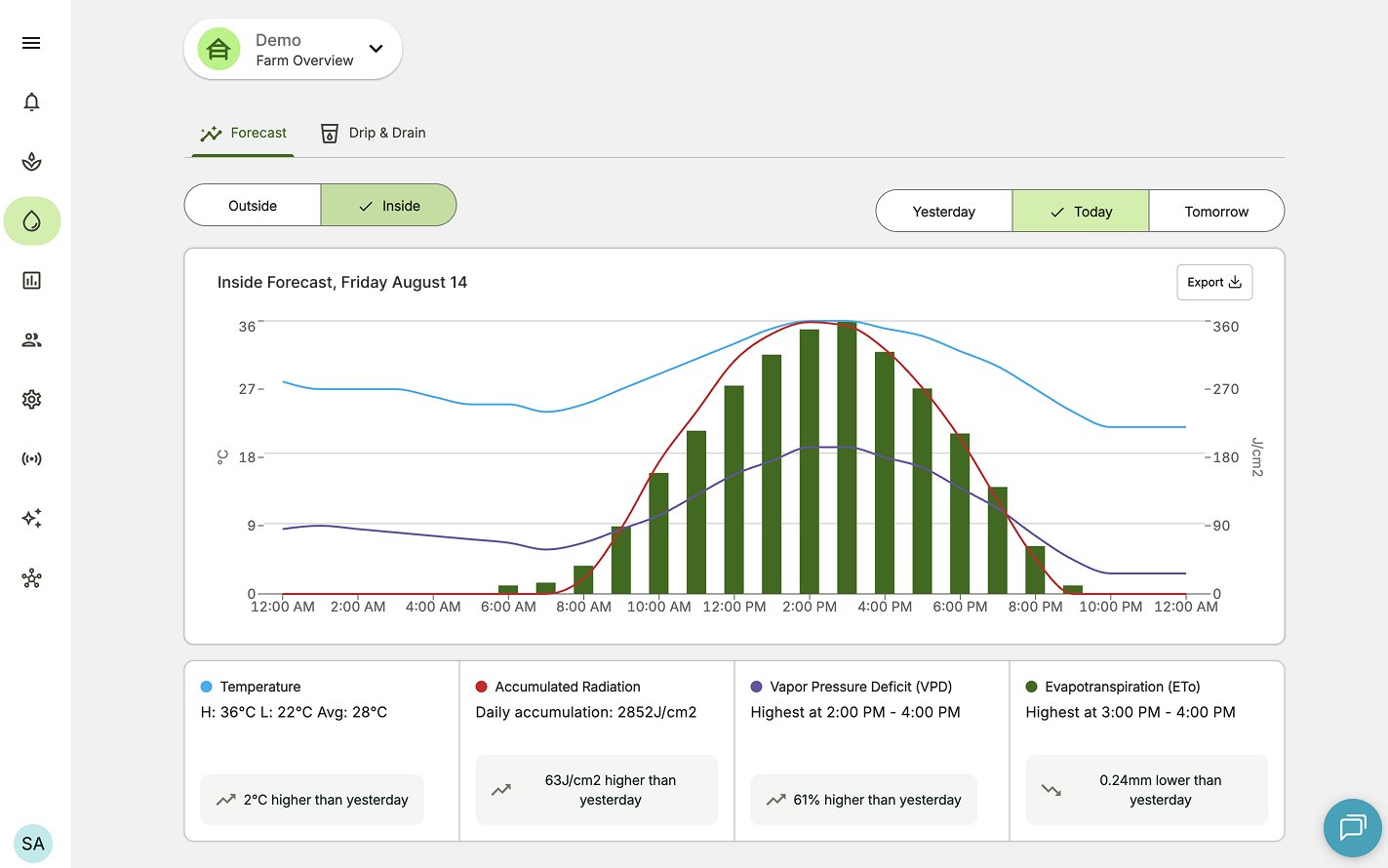
- Temperature (Min, Max, Average)
- Humidity (Average)
- VPD (Hourly)
- Radiation (Hourly)
- Evapotranspiration (Hourly)
How can I view the Inside Climate Prediction forecast for my farm?
- Open the Irrigation Forecast Dashboard by clicking the Irrigation icon in the app menu.
- Select the farm or sector you want to view. Refer to Views Explained below to learn more.
- Click Inside. This may not be necessary if you previously selected a sector.
- You will now see the predicted inside climate conditions for that location.
Inside Climate Prediction views explained
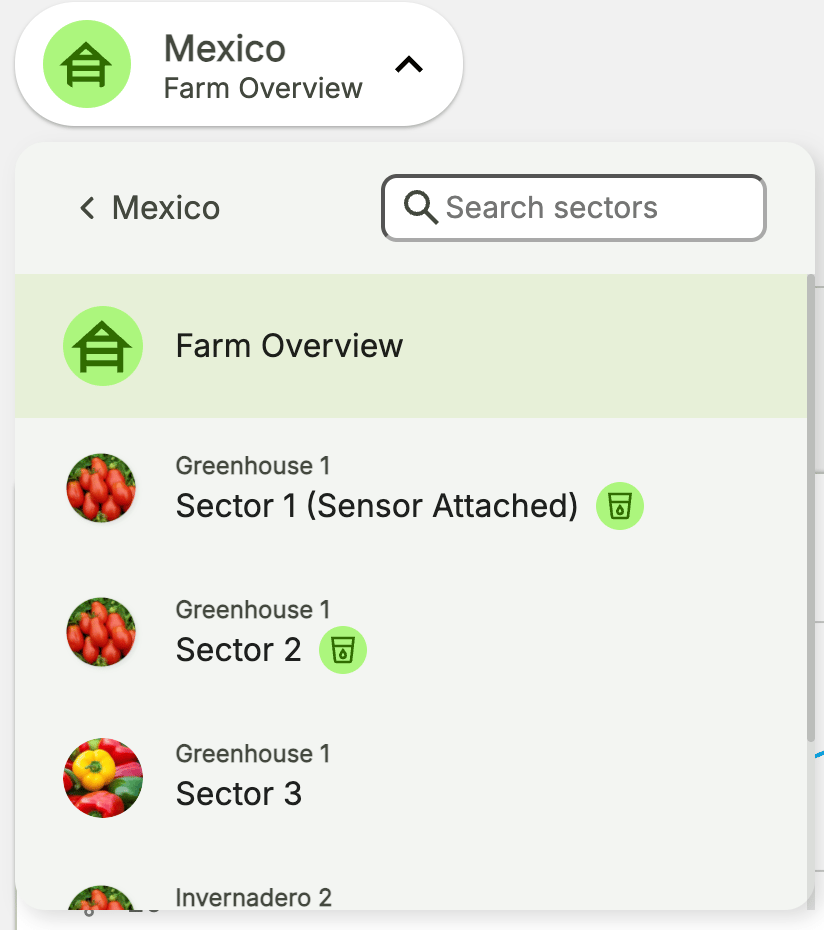
There are two different view modes for Inside Climate Prediction:- Farm overview - this presents an average inside prediction across the farm, averaging the sector (or sensor) specific predictions to give you a quick and easy way of checking on a Farm.
- Sector view - this presents the exact prediction for the location where the sensor is installed..