

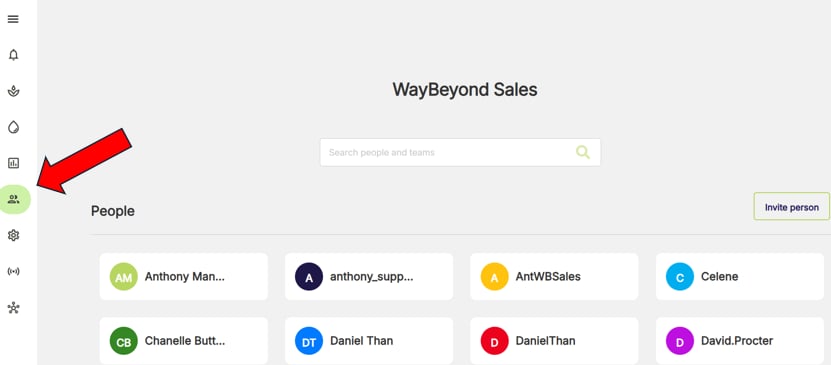
- Go to People and Teams page in header menu
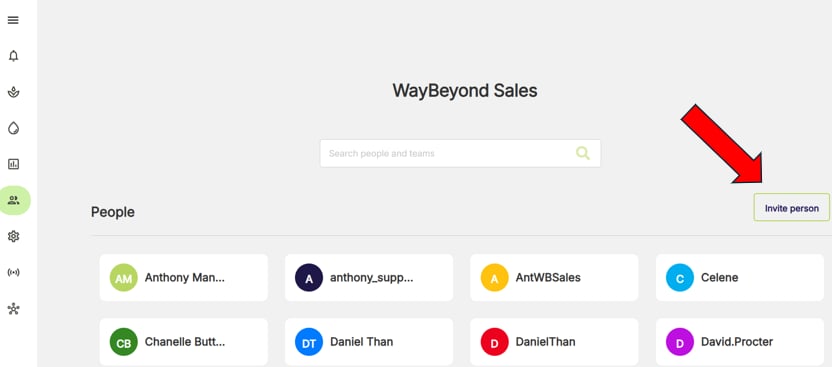
- Click Invite person
- Add user email address, select role and the team(s) that the user should be in.
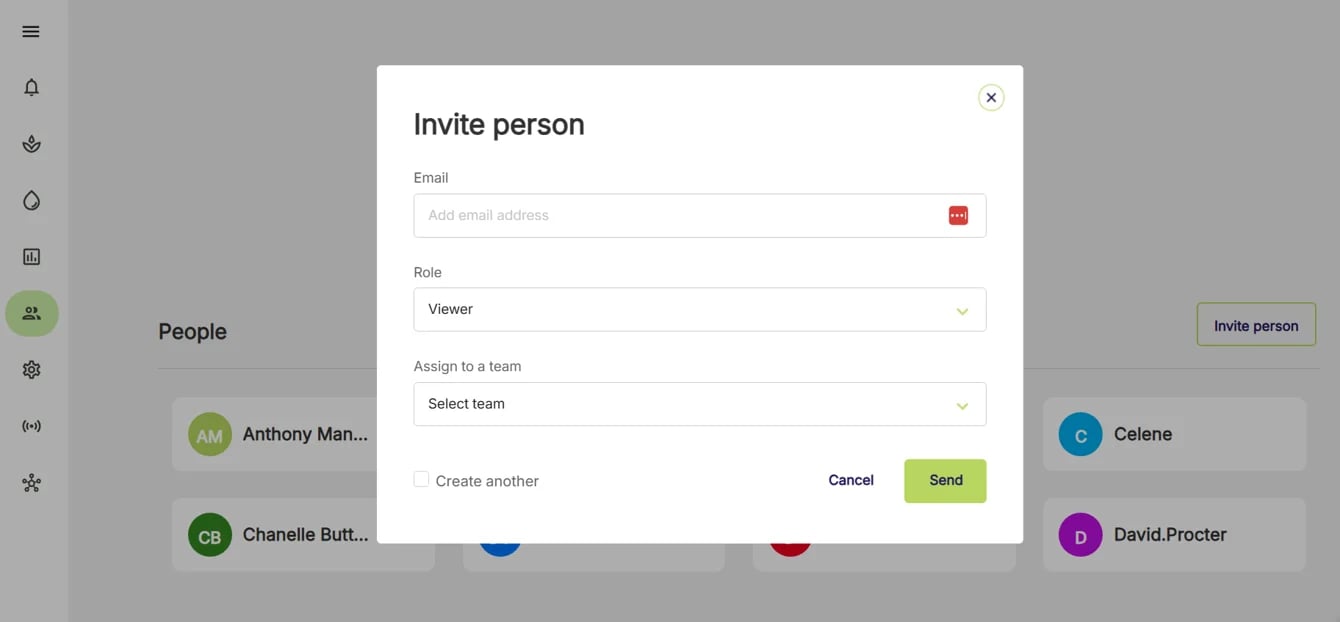
If the new user is not an admin, then they will need to be included in one or more teams in order to be able get access to the relevant Farms and data.
- Click Send
Emailed invitations expire after 7-days, so it’s important to send them close to the time you expect the user will be creating their account.