> ## Documentation Index
> Fetch the complete documentation index at: https://waybeyond.mintlify.site/llms.txt
> Use this file to discover all available pages before exploring further.
# ¿Cómo registro un rendimiento de cultivo?
> Puedes registrar fácilmente el rendimiento de un cultivo en un sector.
## Registrar un rendimiento
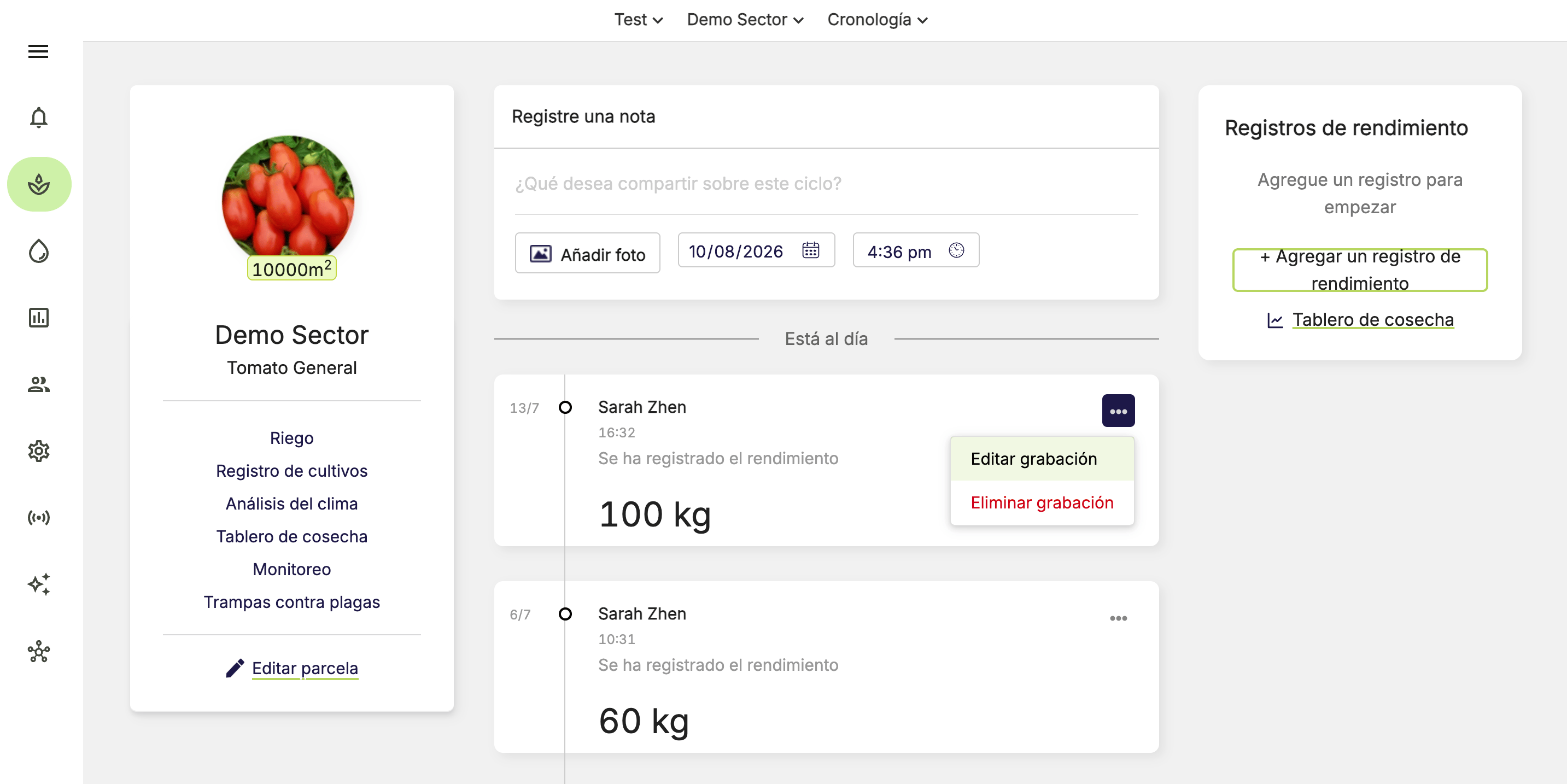
Puedes registrar el rendimiento de un ciclo de cultivo específico en el **Feed de actividad** mediante el widget **Rendimiento**.
1. Ve al **Feed de actividad** del sector correspondiente.
2. Haz clic en **Agregar un registro de rendimiento**.
3. Ingresa el valor del rendimiento, la fecha y la hora de la cosecha.
4. Haz clic en **Guardar**.
El rendimiento se puede registrar como un valor absoluto en kg o lb, o por cajas.
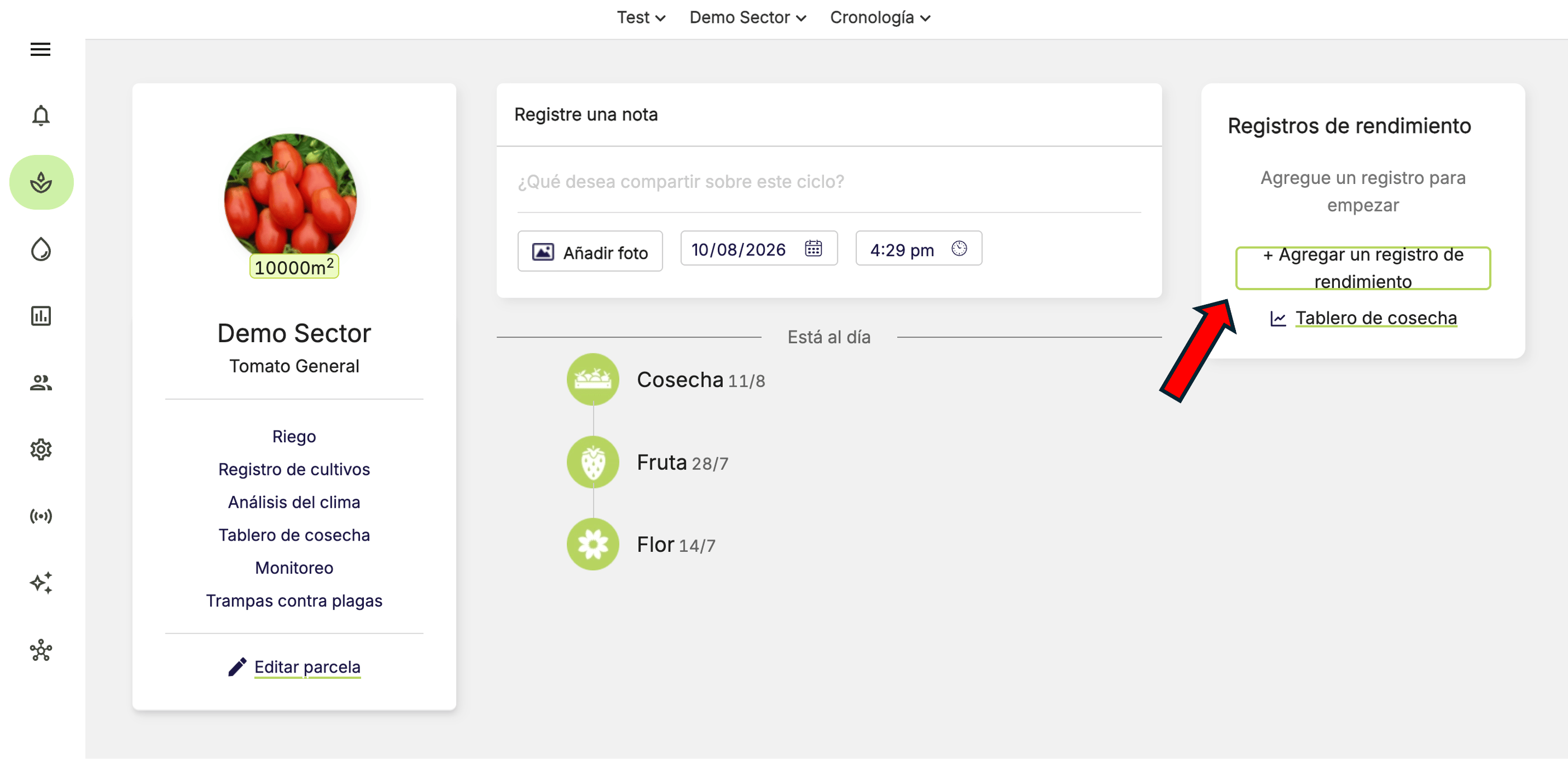 Puedes consultar fácilmente el rendimiento semanal y el rendimiento total acumulado en el widget Rendimiento.
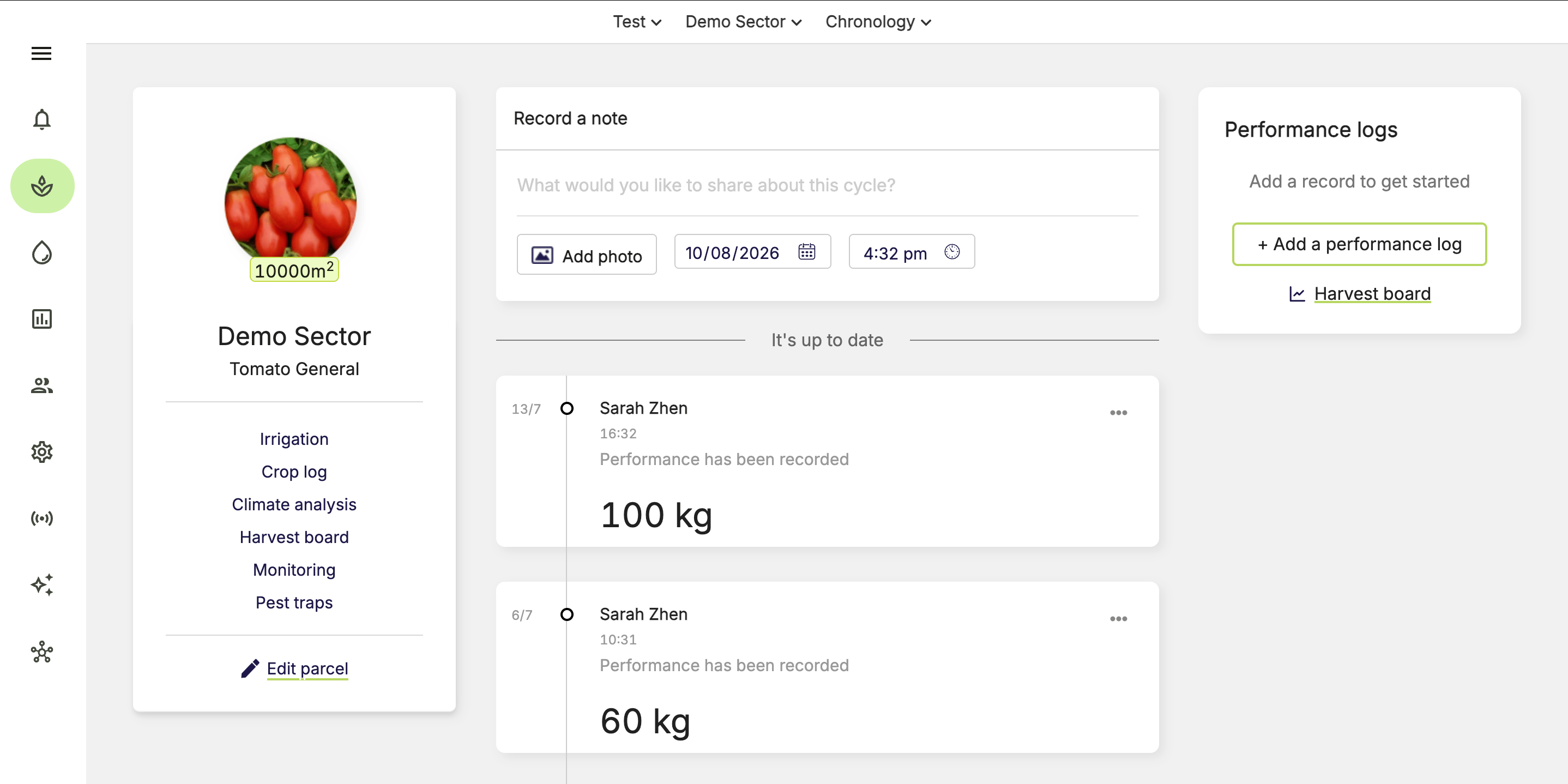 Es importante registrar el rendimiento de forma constante cada semana. El widget Rendimiento te recordará si aún no has registrado tu cosecha de esta semana.
 ## ¿Cómo cambio un registro de rendimiento?
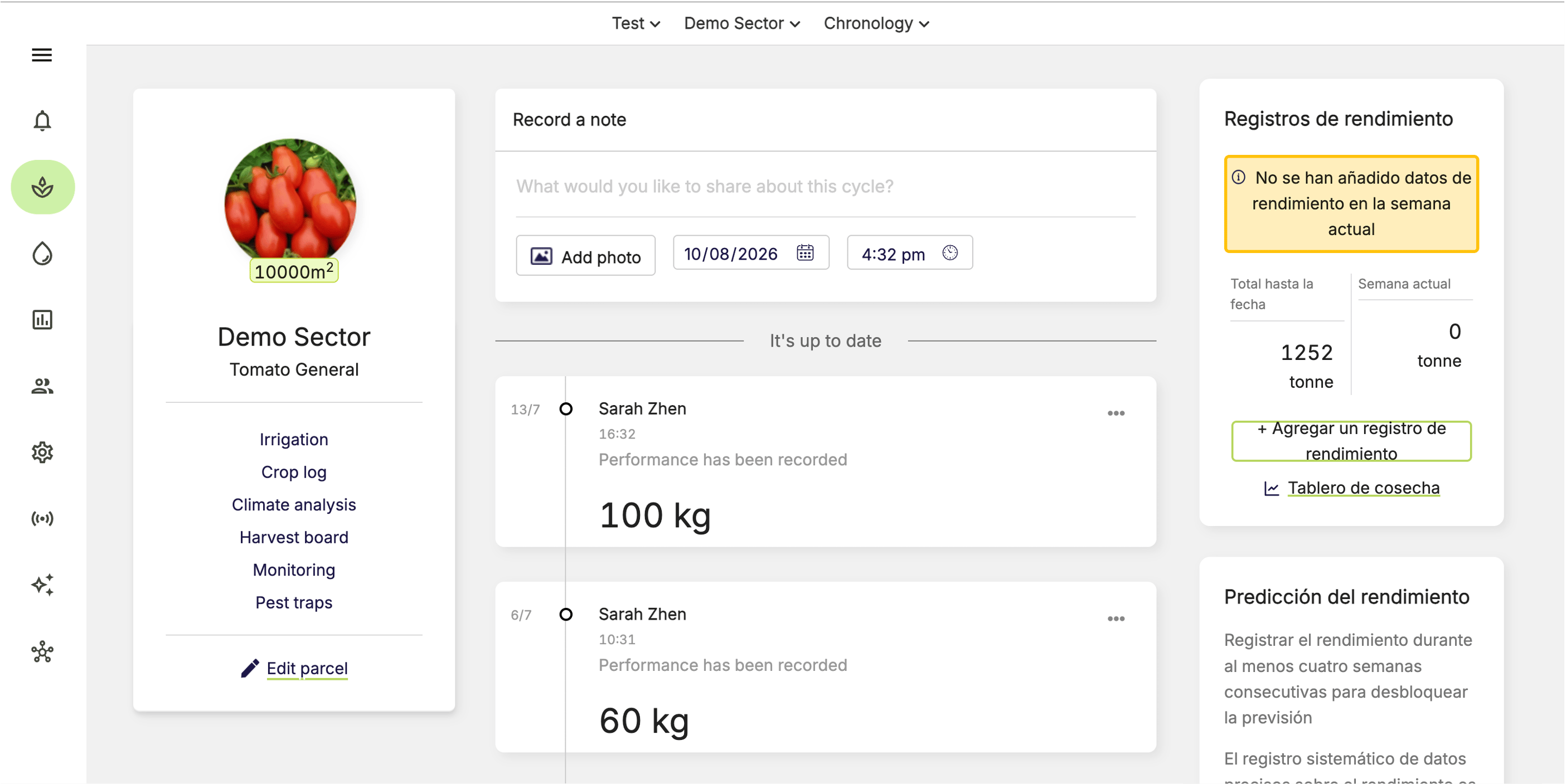
Cuando guardas un registro de rendimiento, aparece un evento en el Feed de actividad.
1. Ve al **Feed de actividad** del sector correspondiente.
2. Haz clic en **…** en el registro de rendimiento.
3. Selecciona **Editar registro** o **Eliminar registro**.
4. Confirma la acción con el botón correspondiente.
## ¿Cómo cambio un registro de rendimiento?
Cuando guardas un registro de rendimiento, aparece un evento en el Feed de actividad.
1. Ve al **Feed de actividad** del sector correspondiente.
2. Haz clic en **…** en el registro de rendimiento.
3. Selecciona **Editar registro** o **Eliminar registro**.
4. Confirma la acción con el botón correspondiente.