

How can I tell when my devices are actively reporting to FarmRoad?
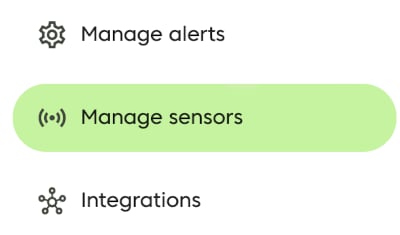
To check whether your devices are online or offline:- In FarmRoad, click the Manage sensors icon in the navigation menu.
- On the Manage sensors page, choose whether you want to view Sensors or Gateways.
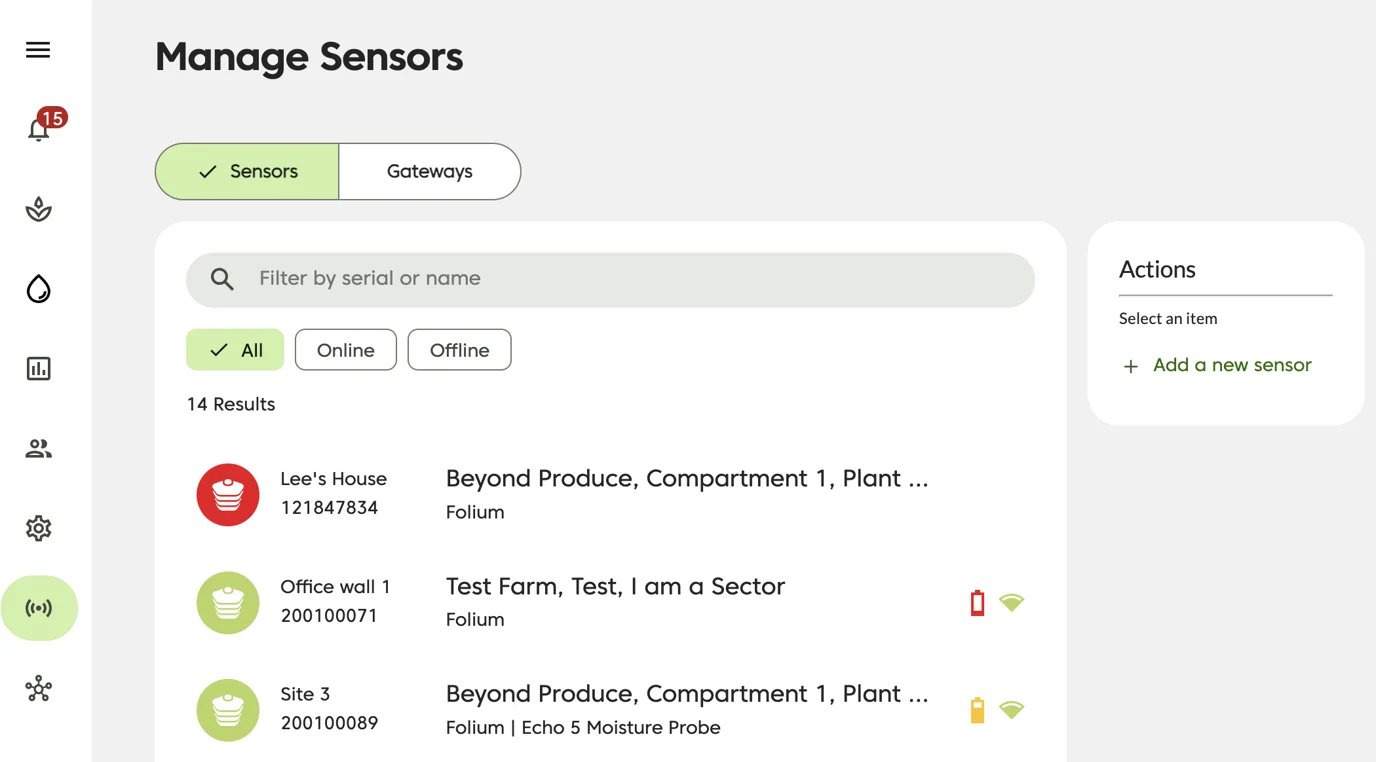
- Review the status icon shown on the left side of the table.
Connectivity status icons


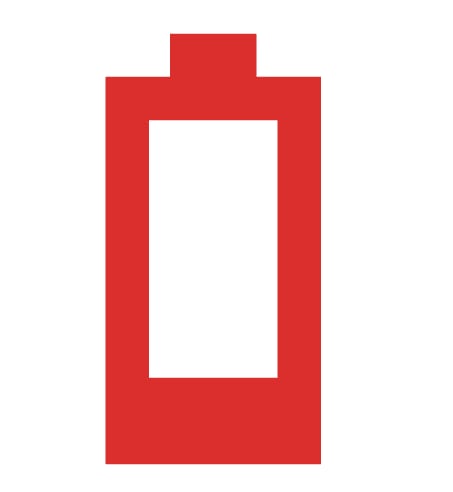
Battery status
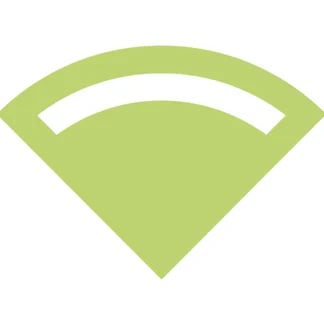
For online climate sensors, FarmRoad also shows battery level and signal strength on the right side of the table.

Signal status


How do I switch between Sensors and Gateways?
To switch views, use the selector above the table to move between Sensors and Gateways.
Get alerted whenever a sensor or gateway goes offline
FarmRoad can send alerts when a sensor or gateway goes offline. These alerts are sent when FarmRoad has not heard from a device for at least 30 minutes. Alerts can be delivered by:- SMS