CSV Export From Data Studio
FarmRoad Data Studio allows you to easily export data to CSV format from any graph.Exporting data from a graph
- Go to Data Studio
- Select the dashboard you wish to export from
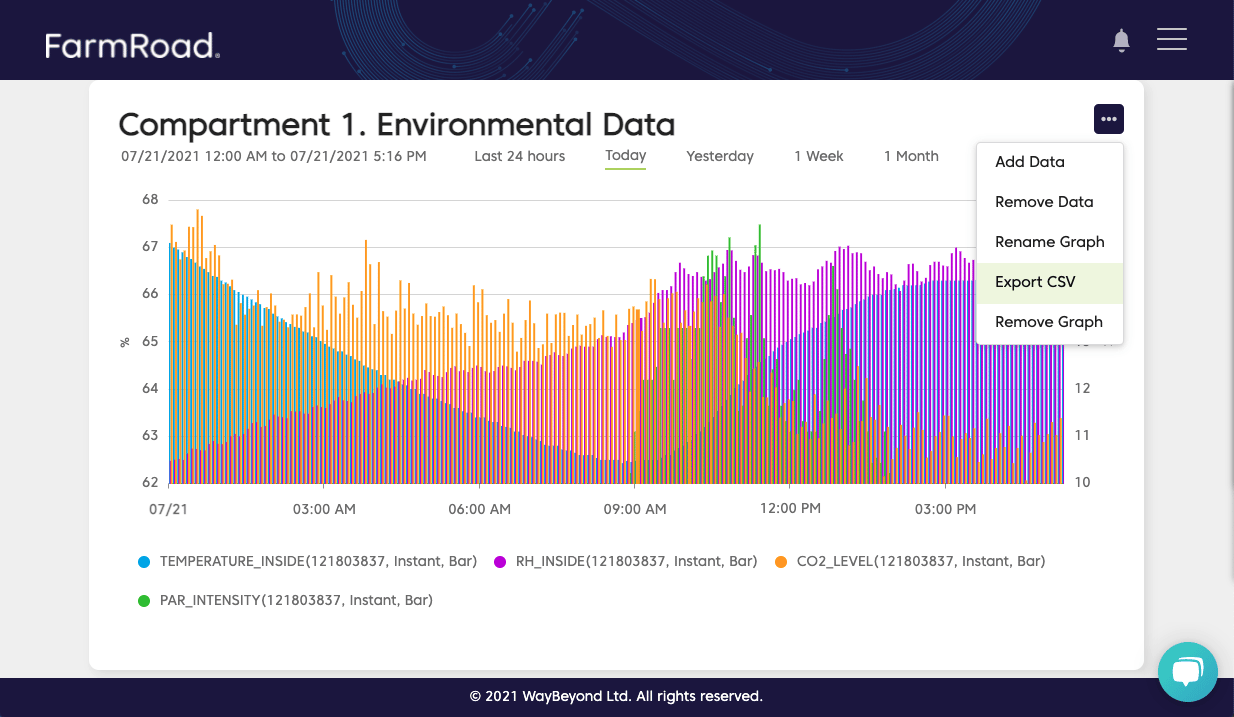
- Click the options menu and select Export CSV
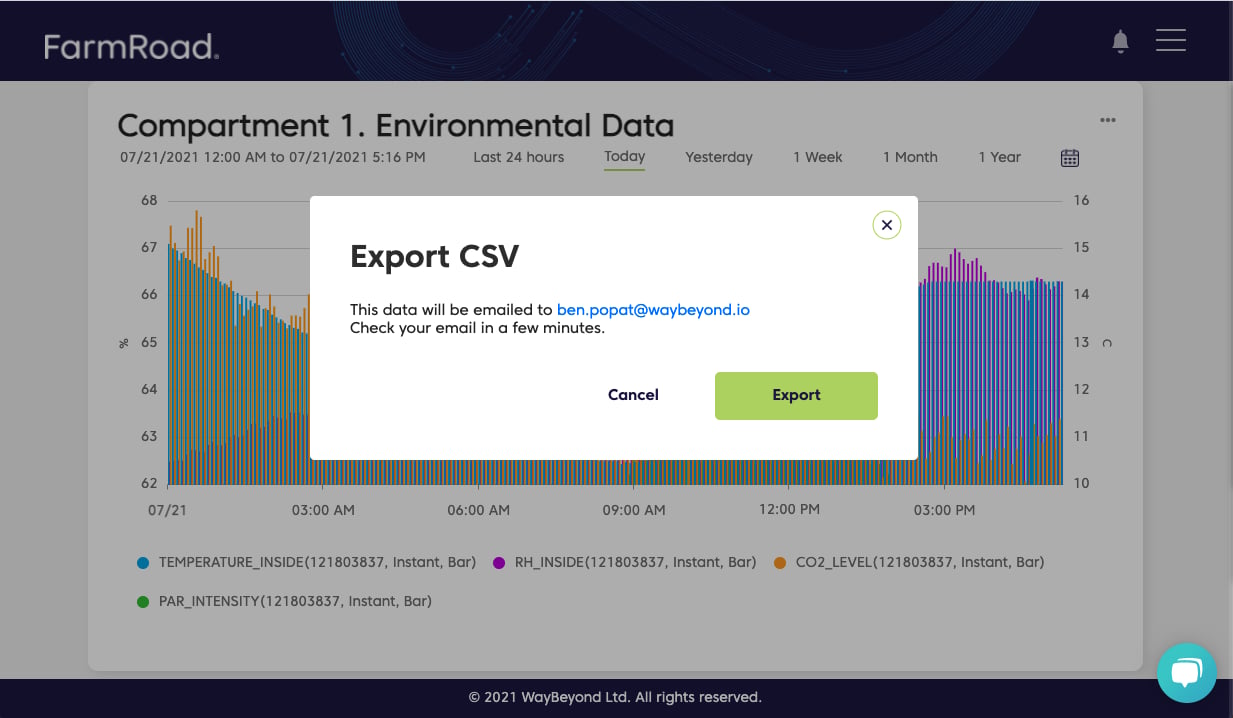
- You will be presented with a pop-up that allows you to export the data
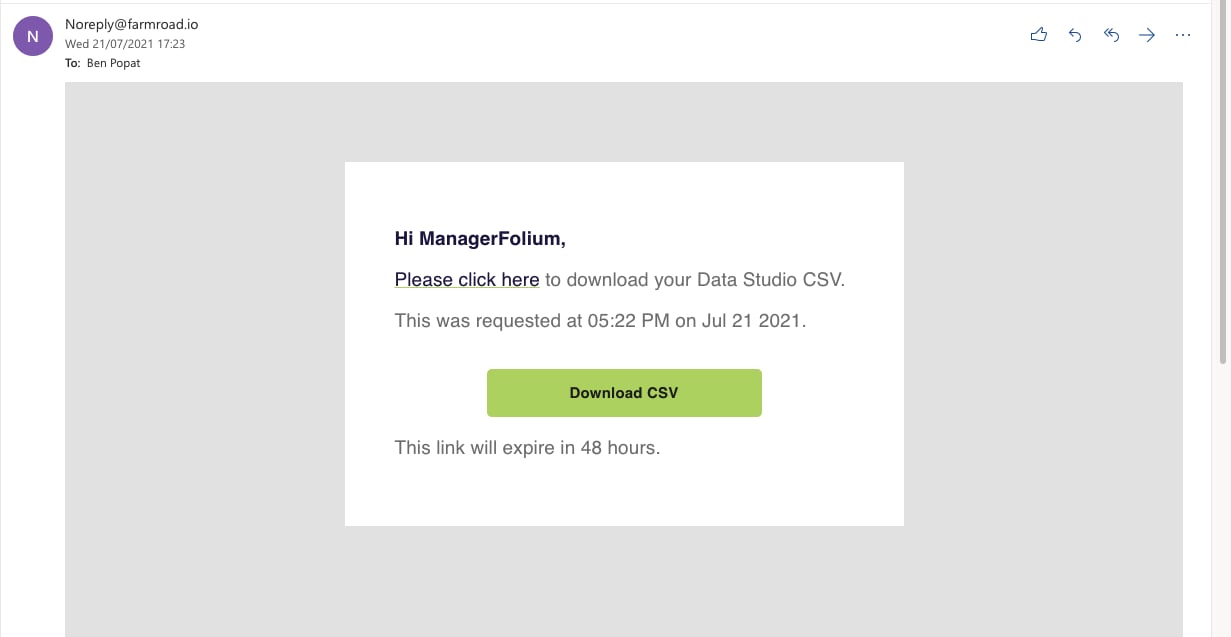
- The CSV export will be emailed to the user that is logged in
Frequently asked questions about exporting data from a graph
Who can export data?
Who can export data?
Data can be exported by admins and the user who originally created the graph.
What data is contained in the export?
What data is contained in the export?
All of the data sets that were selected in the graph will be included in the export. The CSV exports date range will also be the same as the one selected in the graph.
What time intervals are displayed in the CSV export?
What time intervals are displayed in the CSV export?
The CSV export will show data in 10-minute intervals.
What types of data can be exported?
What types of data can be exported?
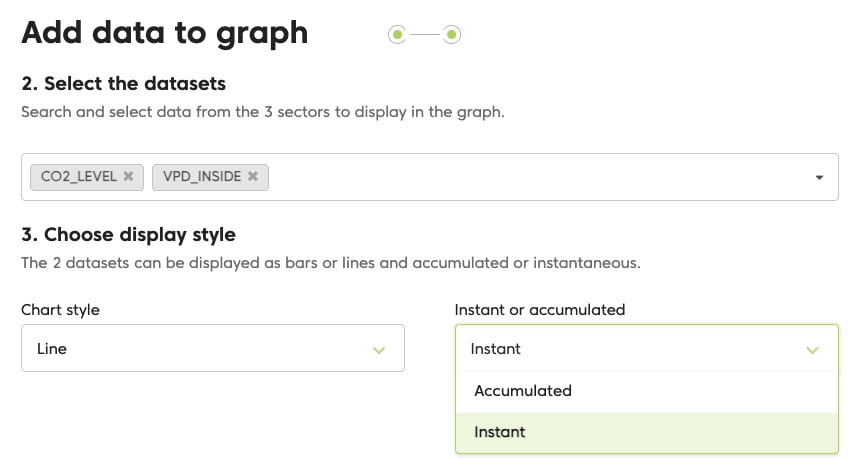
All measurement types can be exported from a graph into a CSV. The export supports ‘instant’ readings and not ‘accumulated’: