> ## Documentation Index
> Fetch the complete documentation index at: https://waybeyond.mintlify.site/llms.txt
> Use this file to discover all available pages before exploring further.
# How do I add a farm?
> You can easily add farms from the My Farms page. Simply follow the instructions below.
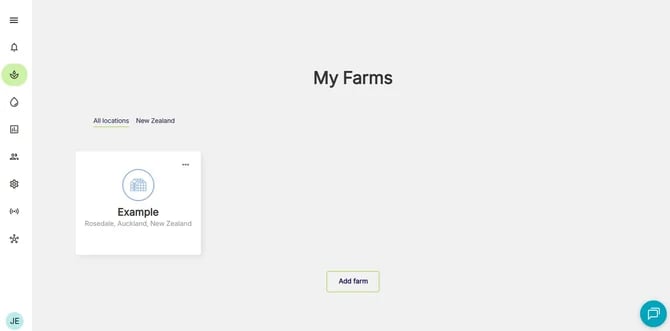
1. Go to **My Farms** page
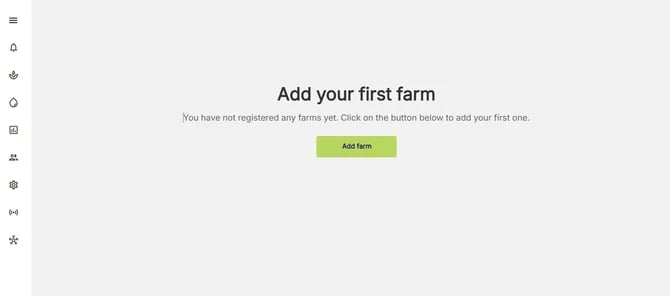
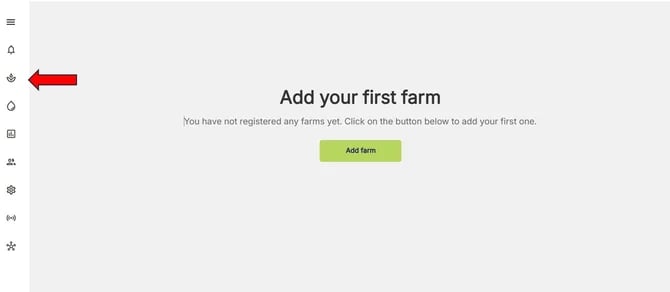 2. Click **Add farm** button
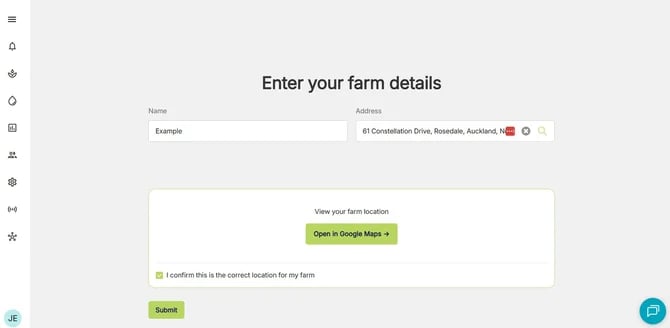
 3. Enter a farm name and location. Ensure the exact location is used so that FarmRoad can provide precision in its services. Click on **Open in Google Maps** to verify that the address is correct. These steps are vital.
 4. Click **Submit**
Only users with the admin role can add farms. Other users will not see the button to add a farm.
4. Click **Submit**
Only users with the admin role can add farms. Other users will not see the button to add a farm.